
Search Companies, News, Members & more
Terms of ServicePrivacy PolicySecurity PolicyLegal InformationCommunity GuidelinesSitemapsCookie Settings
2026 Copyright © Liquidity Finder Ltd. All rights reserved.
Liquidity Finder Ltd is incorporated in England and Wales, company number 10610740, registered address 167-169 Great Portland Street, Fifth Floor, London W1W 5PF, United Kingdom.
The Best AI Platforms for Trading & Analytics in 2026

Published on Jan 30, 2026
Updated on Oct 13, 2026
Trading has always been about finding an edge. For years, that meant having faster information or a better gut feeling than the next person. Today, that edge is often found in technology, specifically artificial intelligence (AI).
AI trading platforms use computer programs to analyze market data and make trading decisions. The goal is to spot opportunities that a human might miss and to act on them quickly. It’s not about a magic box that prints money. It’s about using a powerful tool to help you make more informed choices.
But there are a lot of these tools out there. Some are for beginners, some are for expert coders, and some are just for crypto. Finding the right one can be tough.
This guide gives you a straightforward look at some of the best AI platforms for trading and analytics available in 2026. We'll talk about what they do, who they're for, and what's good and bad about them. No hype, just the information you need.
What is AI Trading, really?
At its core, AI trading is just using a computer to do things humans aren't great at'
1) Analyzing Huge Amounts of Data: An AI can look at years of stock prices, news articles, and financial reports in seconds. It looks for patterns that could signal a price move.
2) Making Decisions Without Emotion: Fear and greed cause traders to make bad decisions. An AI follows the rules it's given, no matter what.
3) Working 24/7: The crypto market never sleeps, and global stock markets are open at all hours. An AI can monitor them constantly so you don't have to.
This isn't a single technology. It includes things like machine learning, where the AI learns from data, and natural language processing (NLP), where it reads and understands news and social media posts.
These platforms are not all the same. Some give you trade ideas that you execute yourself. Others are fully automated bots that trade for you. And some are just powerful analytics tools that help you do your own research better.
💡 Related reading: For a deeper dive into how machine learning, NLP, and predictive analytics are reshaping markets, see our full guide: AI for Trading: Complete Guide.
Things to Think About Before You Choose
Picking a platform is a personal choice. What works for a professional day trader won't work for someone just starting out. Here are a few things to consider:
🔹 Your Skill Level: Are you comfortable with complex charts and trading terms, or do you need something simple? Are you able to code your own strategies?
🔹 What You Want to Trade: Some platforms are only for crypto. Others work with stocks, options, or forex. Make sure the platform supports the markets you're interested in.
🔹 Cost: Prices can range from free to hundreds of dollars a month. Think about what you're willing to spend. Remember that a higher price doesn't always mean better results.
🔹 How Involved You Want to Be: Do you want a fully automated system, or do you want a tool that helps you make the final call?
With that in mind, let's look at some of the platforms available.
A Quick Word on Risks
It's important to be realistic. No AI platform can predict the future. The market can be irrational, and unexpected events can make even the best strategy fail.
🔹 AI is a tool, not a crystal ball. It's there to help you, but you are still the one responsible for your decisions and your money.
🔹 Backtests can be misleading. A strategy that worked well on past data might not work in live market conditions.
🔹 Start small. Never risk more than you are willing to lose, especially when you are trying a new platform or strategy.
Below we list the types of platforms by category:
🔸 Stock Screening and Market Anallytics
🔸 Crypto Trading Bots And Analytics
🔸 Multi-Asset Intelligence and Signals
🔸 Strategy and Research, Backtesting and Quant Tools
🔸 More Platforms Worth Knowing
Stock Screening and Market Analytics
TrendSpider — automated technical analysis
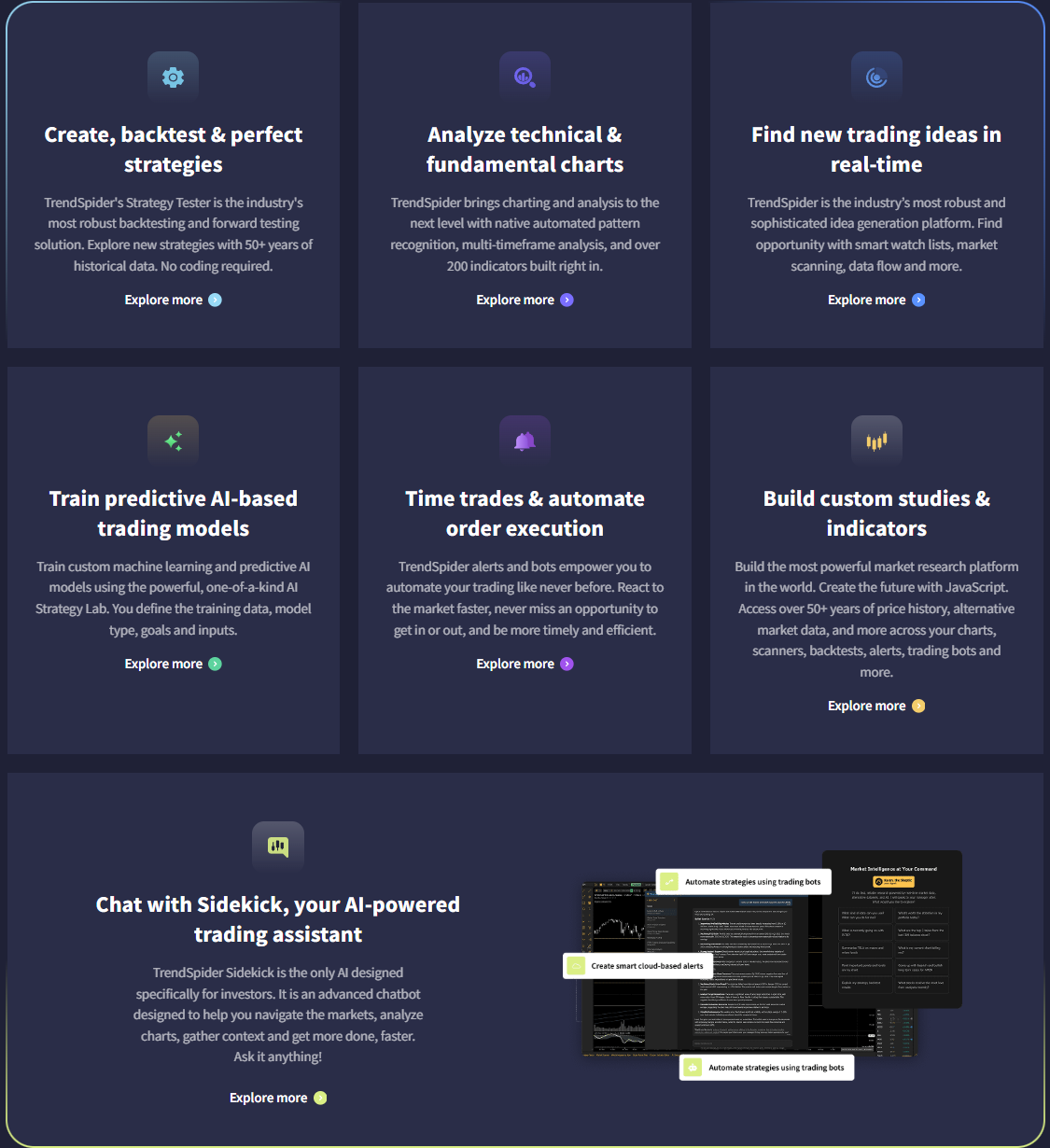
Image: Features of TrendSpider, Source: www.trendspider.com
What it is: Chart automation, pattern detection, and alerts.
Why use it: Saves time on scanning. Good for swing traders and active technical traders.
Key features: Automated trendlines, multi-factor scans, strategy testing, smart alerts.
Pros: Strong automation. Clean UI. Good backtesting.
Cons: More expensive than basic screeners. Best for technical-first workflows.
URL: https://www.trendspider.com
TrendSpider is widely noted for scanning and recognizing chart patterns, breakouts, and key levels, with automation that can reduce manual errors for short-term traders.
Trade Ideas — AI-driven stock discovery
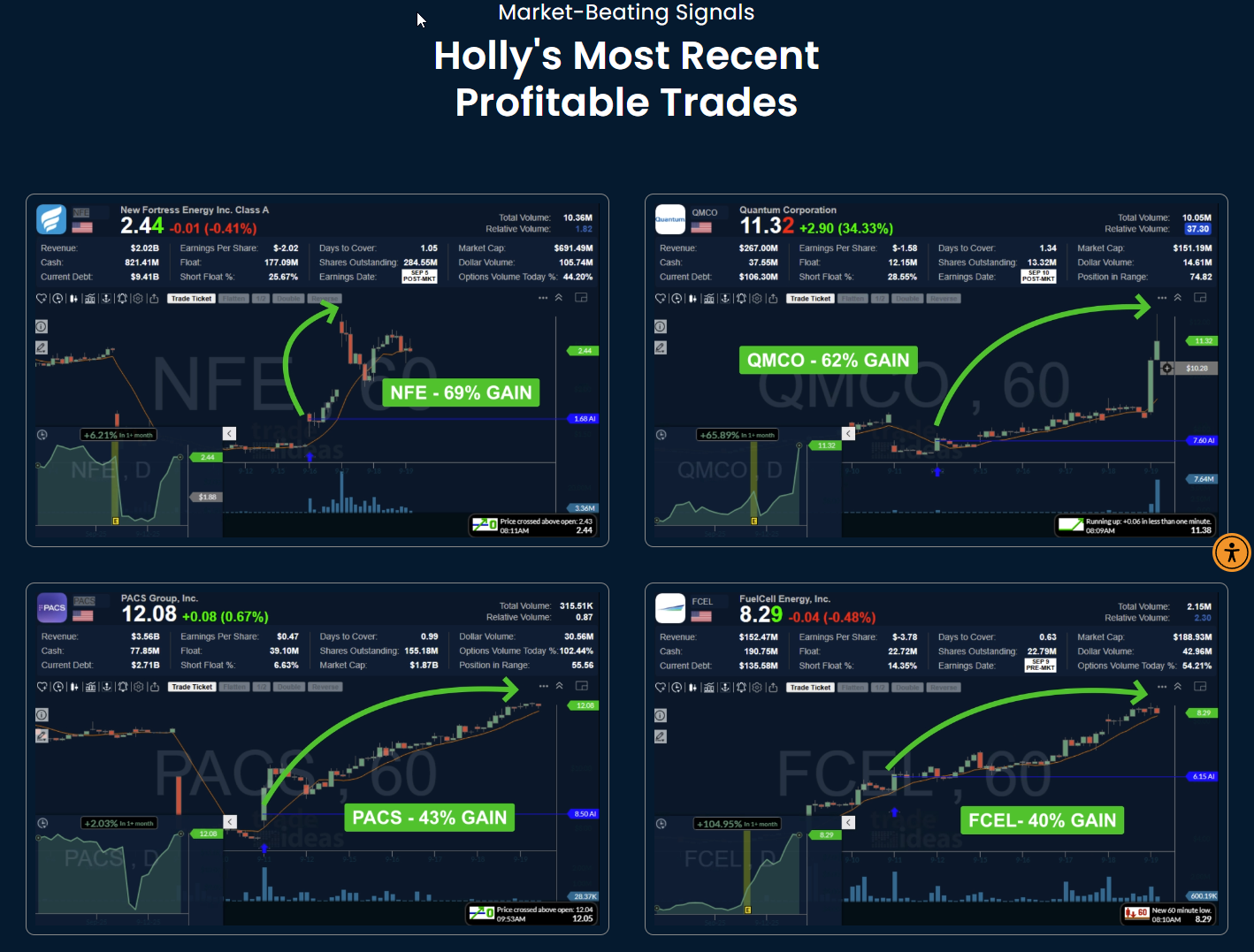
Image: Trade-Ideas AI feature “Holly” most profitable trades, Source: www.trade-ideas.com
What it is: Real-time stock scanner with AI signals and alerts.
Why use it: Day traders and active traders who want actionable setups.
Key features: Real-time streams, AI models, backtesting, room sharing.
Pros: Fast alerts. Deep customization. Active community.
Cons: Can be noisy. Needs careful filtering. Price is premium.
URL: https://www.trade-ideas.com
Trade Ideas is commonly highlighted as an AI-powered stock scanner offering real-time alerts and analysis for active traders.
Kavout — AI ranking with Kai Score
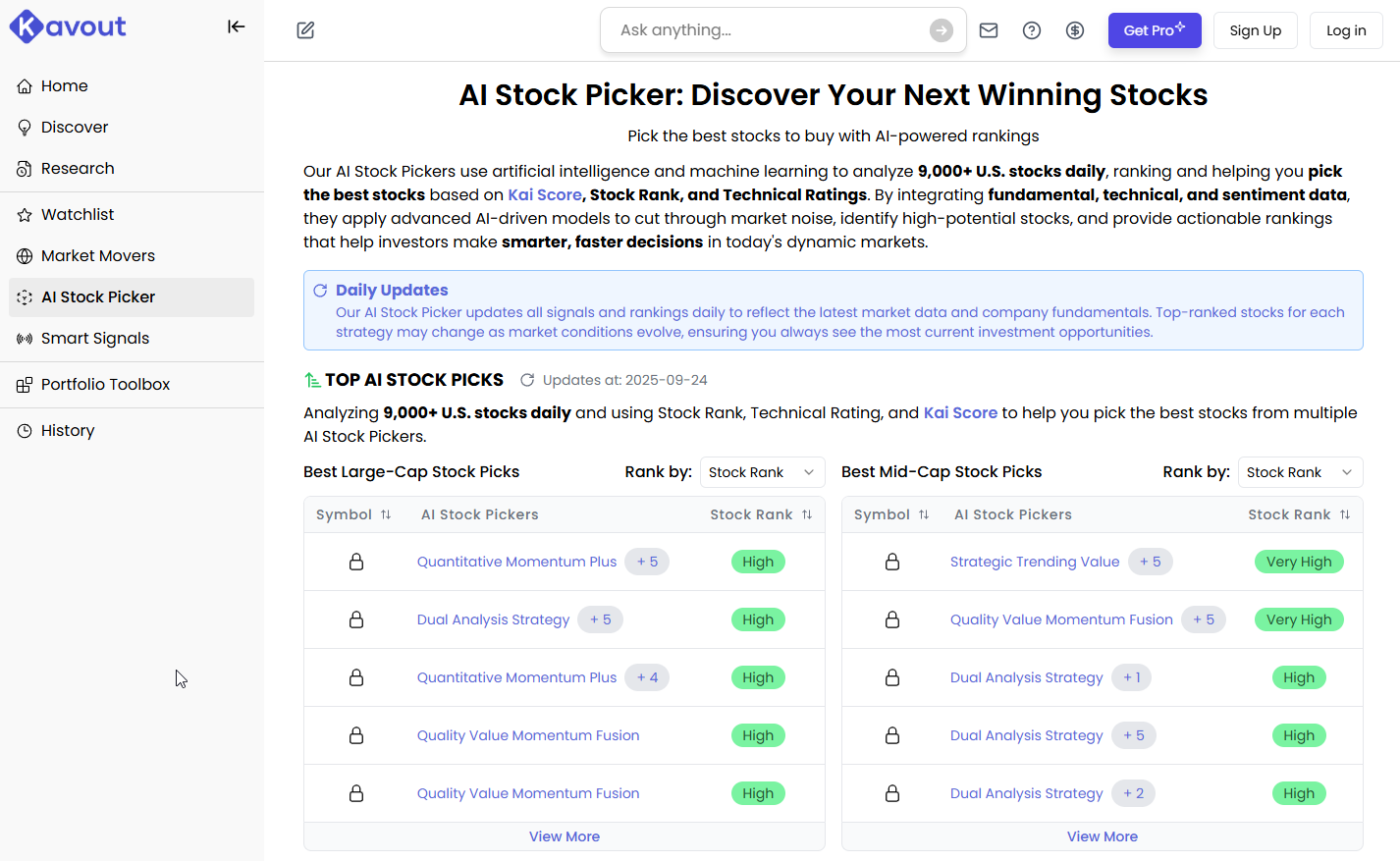
Image: Kavout’s AI stock picker, source: www.kavout.com
What it is: AI-based stock scoring and smart signals.
Why use it: Ranking-driven ideas across equities. Helpful for idea sourcing.
Key features: Kai Score, smart signals, market scans.
Pros: Simple “score-first” approach. Good for screening.
Cons: Limited transparency on score construction. May need your own validation.
Kavout is known for its Kai Score, an AI-generated stock ranking used to surface opportunities, though transparency on scoring methods is limited.
Fiscal AI — AI research assistant
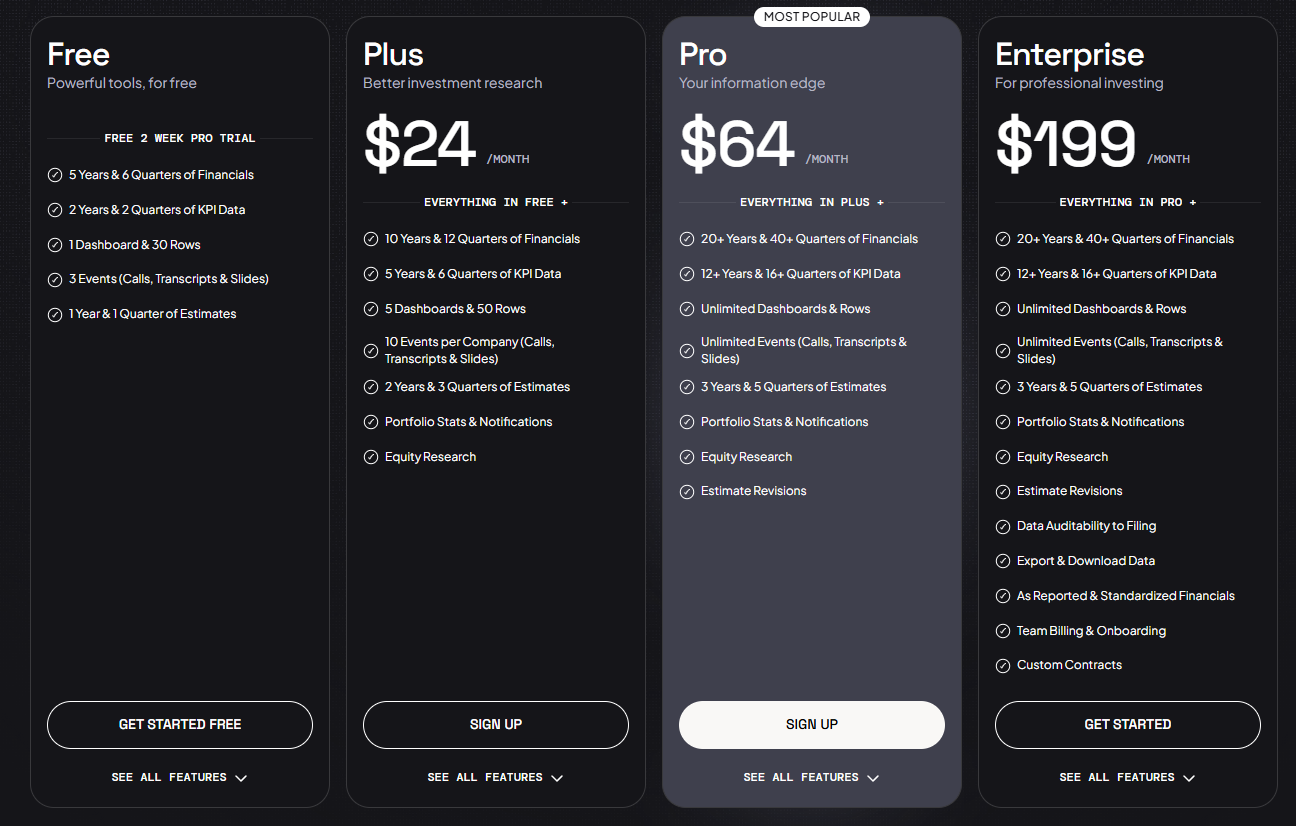
Image: Plans and features of Fiscal AI, source: https://fiscal.ai/
What it is: Company data chat, filings Q&A, and KPI lookups.
Why use it: Faster research across filings and earnings transcripts.
Key features: Natural-language queries, summaries, peer comparisons.
Pros: Quick answers from complex filings. Useful for fundamental checks.
Cons: You still need your own valuation view. Not a trade executor.
AlphaSense — expert and document search
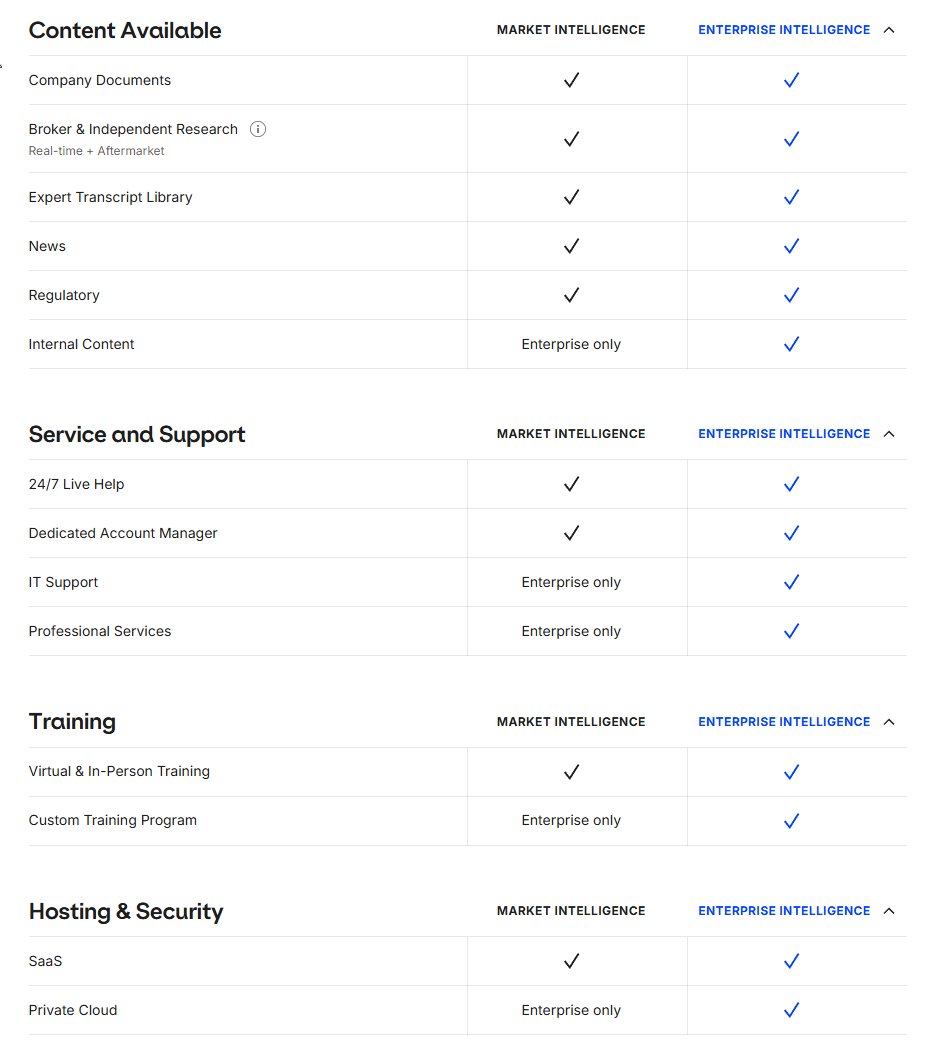
Image: Plans and features – Alpha-Sense, source: www.alpha-sense.com
What it is: Research platform that searches filings, broker research, and expert insights.
Why use it: Institutional-grade document discovery and trend tracking.
Key features: NLP search, smart alerts, market dashboards.
Pros: Excellent coverage. Strong text understanding.
Cons: Pricing is enterprise-level. Overkill for casual traders.
URL: https://www.alpha-sense.com
Tickeron — AI trade ideas and bots
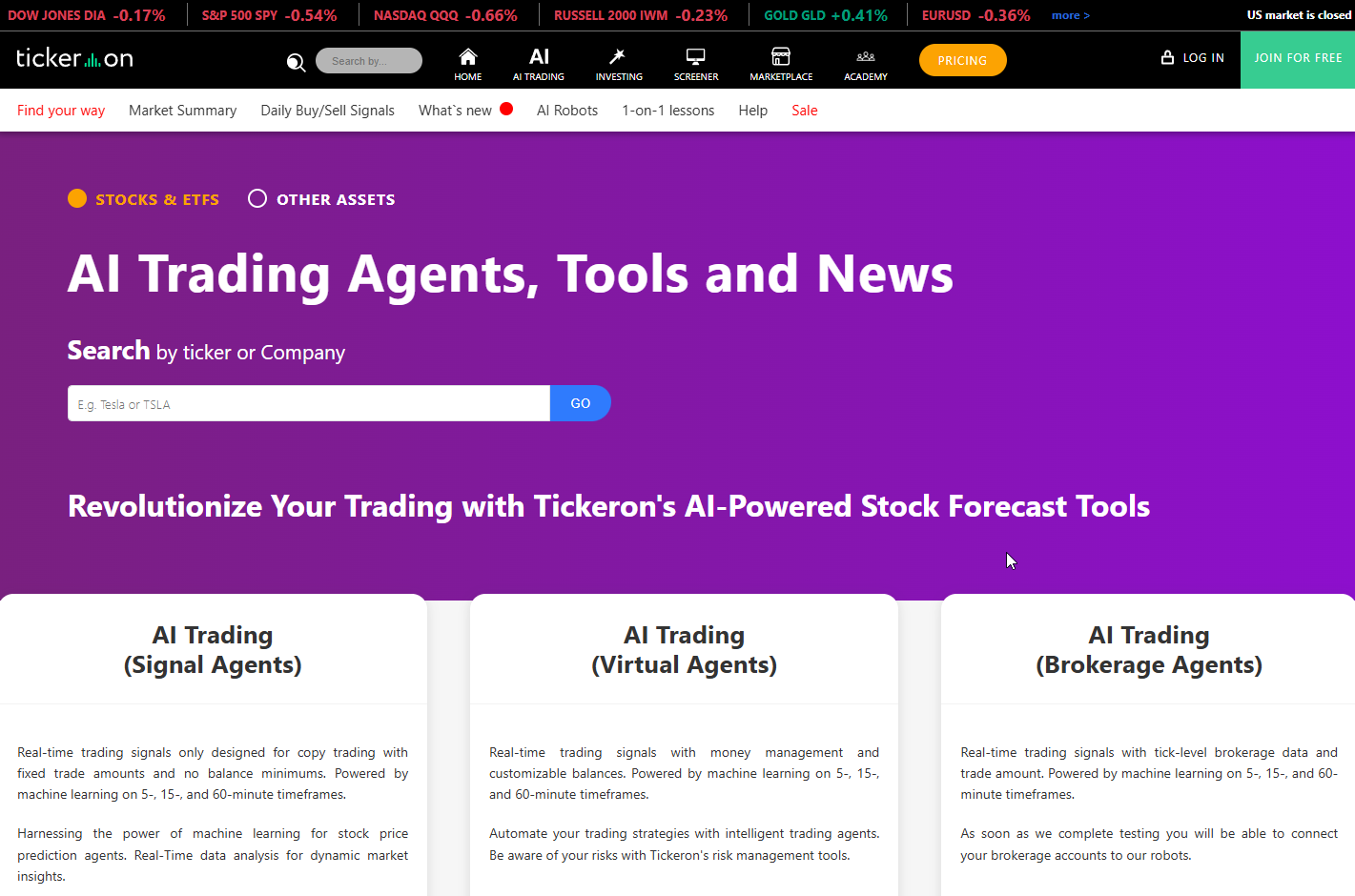
Image: Tickeron’s web preview, source: www.tickeron.com
What it is: Pattern recognition, AI trade ideas, and bot marketplace.
Why use it: Prebuilt ideas you can test and use.
Key features: AI patterns, risk controls, portfolio sims.
Pros: Many ready-made strategies. Visual tools.
Cons: Results vary. Needs careful testing.
TC2000 — charts, scans, and alerts
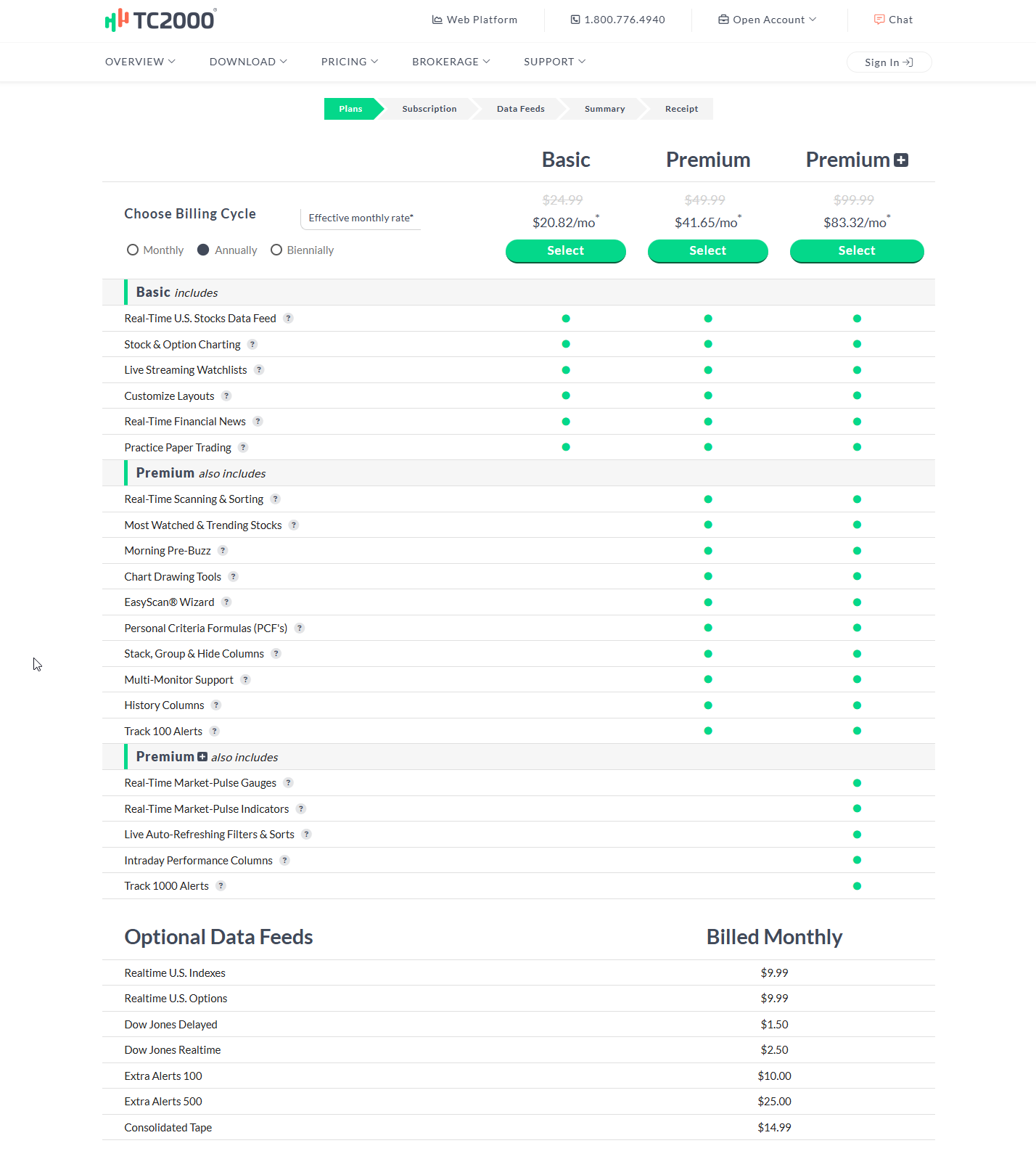
Image: TC2000 plans and features, source: www.tc2000.com
What it is: Classic technical platform with strong scanning.
Why use it: Reliable charts and alerts with simple automation.
Key features: Custom scans, watchlists, alerts, options.
Pros: Stable. Fast. Great scans.
Cons: Not an AI-first product. Limited ML features.
TradingView — charts and community scripts
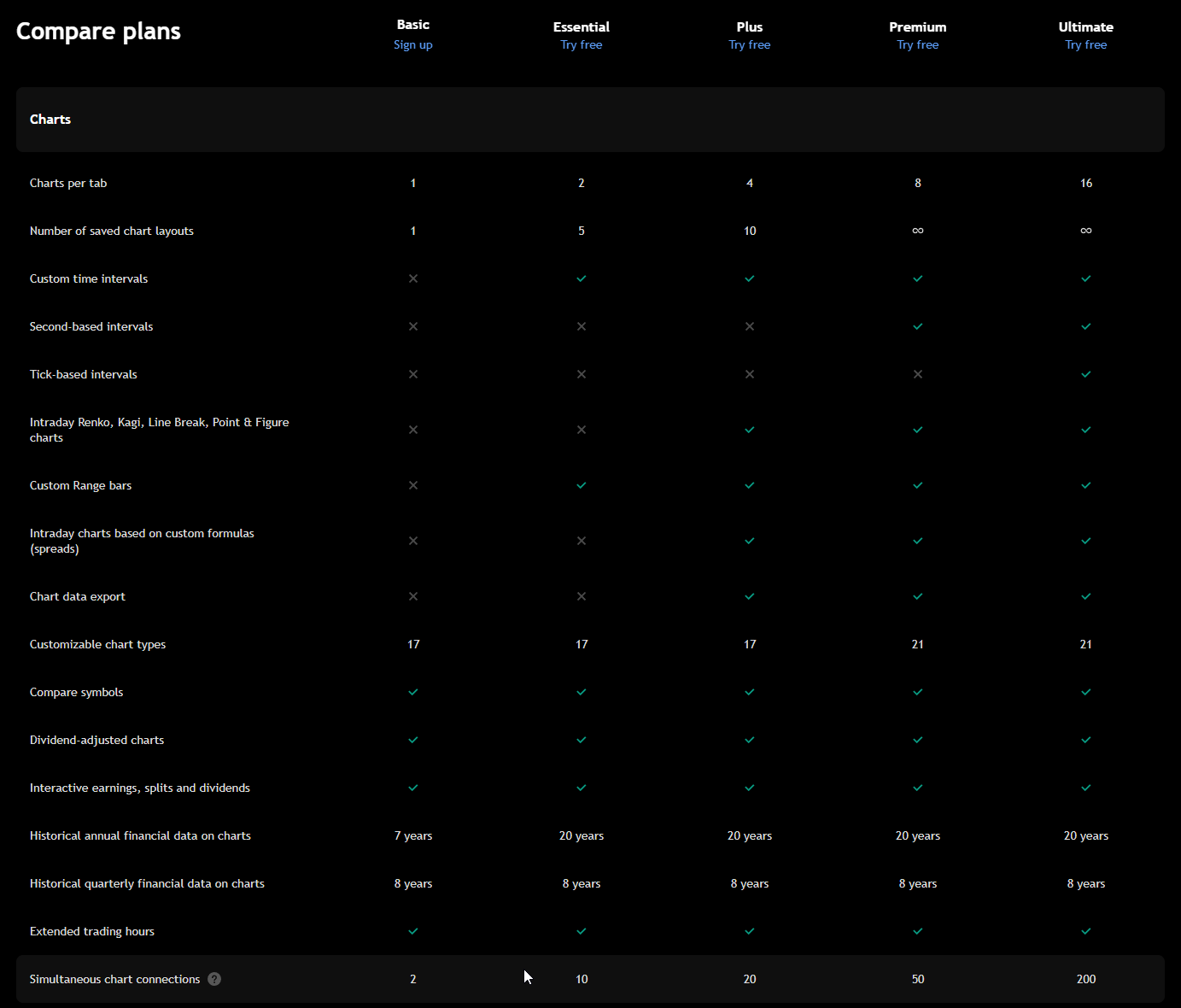
Image: Some of the features of different plans in Tradingview, source: www.tradingview.com
What it is: Charting, social scripts, broker connections, alerts.
Why use it: Broad coverage. Many community strategies.
Key features: Pine Script, alerts, broker execution.
Pros: Huge library. Easy to start. Multi-asset.
Cons: AI features depend on third-party scripts. Signal quality varies.
URL: https://www.tradingview.com
Meyka — conversational stock research
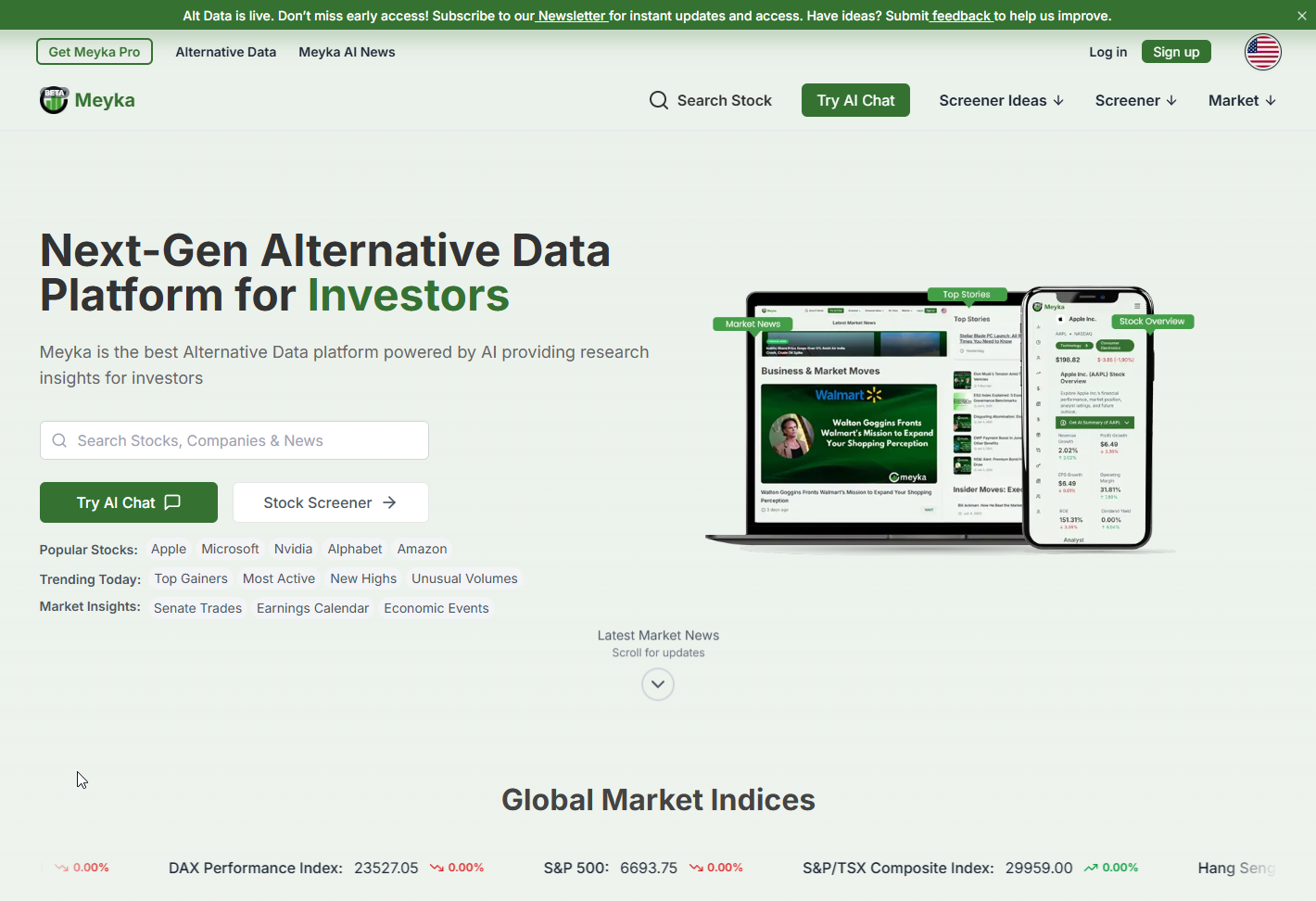
Image: Meyka Platform, source: www.meyka.com
What it is: AI research agent with screener and backtests.
Why use it: Natural-language screening with testing tools.
Key features: Chat interface, backtesting, idea generation.
Pros: Beginner-friendly interaction. Good for ideation.
Cons: Newer platform. Outputs rely on data quality.
URL: https://meyka.com/
Meyka is described as a chatbot-like AI stock research tool blending screening and backtesting with natural-language queries.
Crypto trading bots and analytics
Bitsgap — multi-exchange bot manager
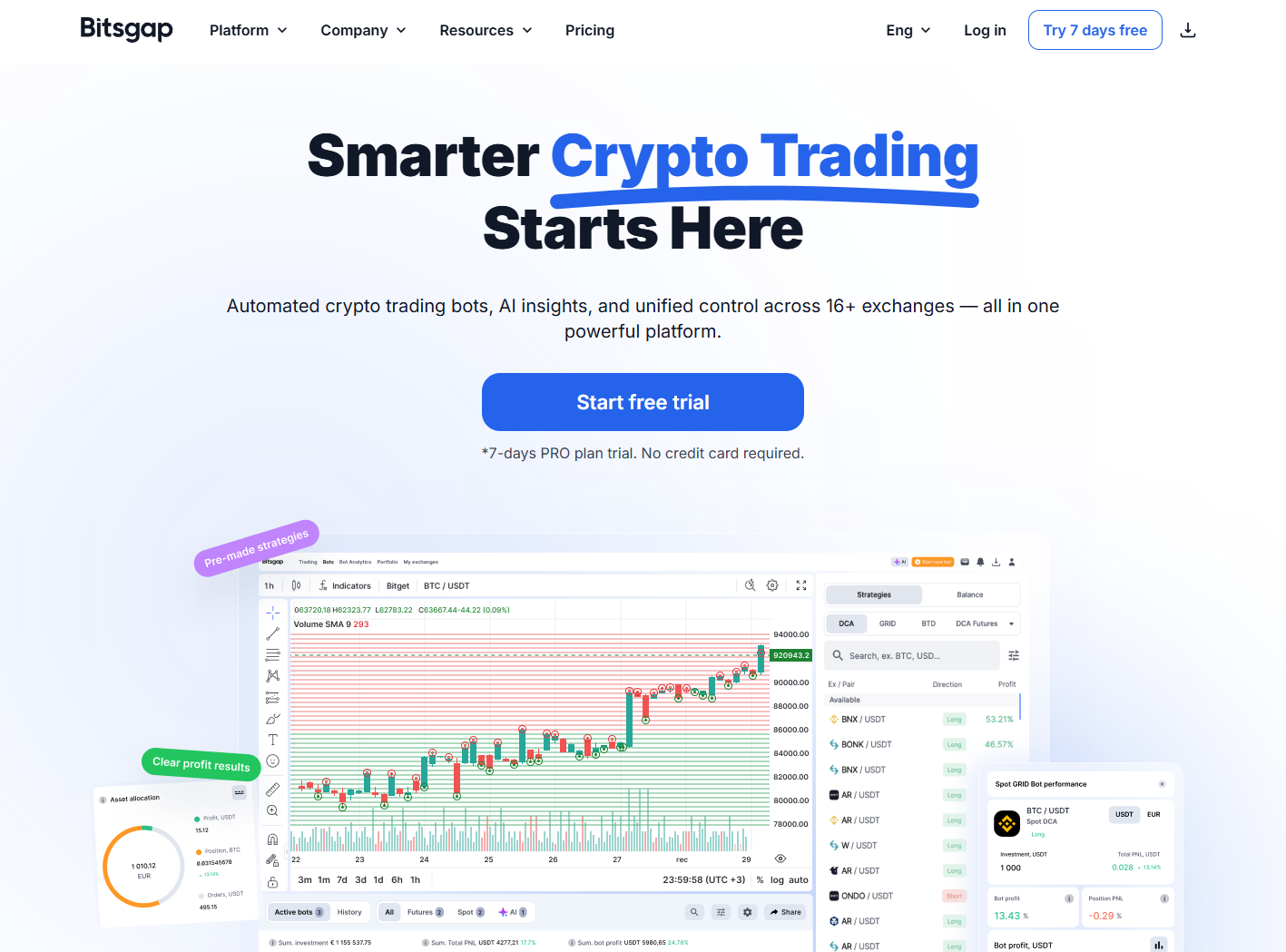
Image: Web Preview of Bitsgap Platform, source: www.bitsgap.com
What it is: Crypto bot platform with arbitrage and grid strategies.
Why use it: Run bots across multiple exchanges from one place.
Key features: Portfolio sync, grid bots, smart orders.
Pros: Good multi-exchange support. Clear UI.
Cons: Strategies can be basic. Requires risk controls.
Pionex — exchange with built-in bots

Image: Web preview of Pionex platform, source: www.pionex.com
What it is: Crypto exchange offering free built-in trading bots.
Why use it: Simple setup for grid and DCA bots.
Key features: Grid bots, DCA, smart features.
Pros: Easy onboarding. Lower fees.
Cons: Tied to its exchange. Limited custom logic.
3Commas — Smart Crypto Trading Bots And Portfolio Automation
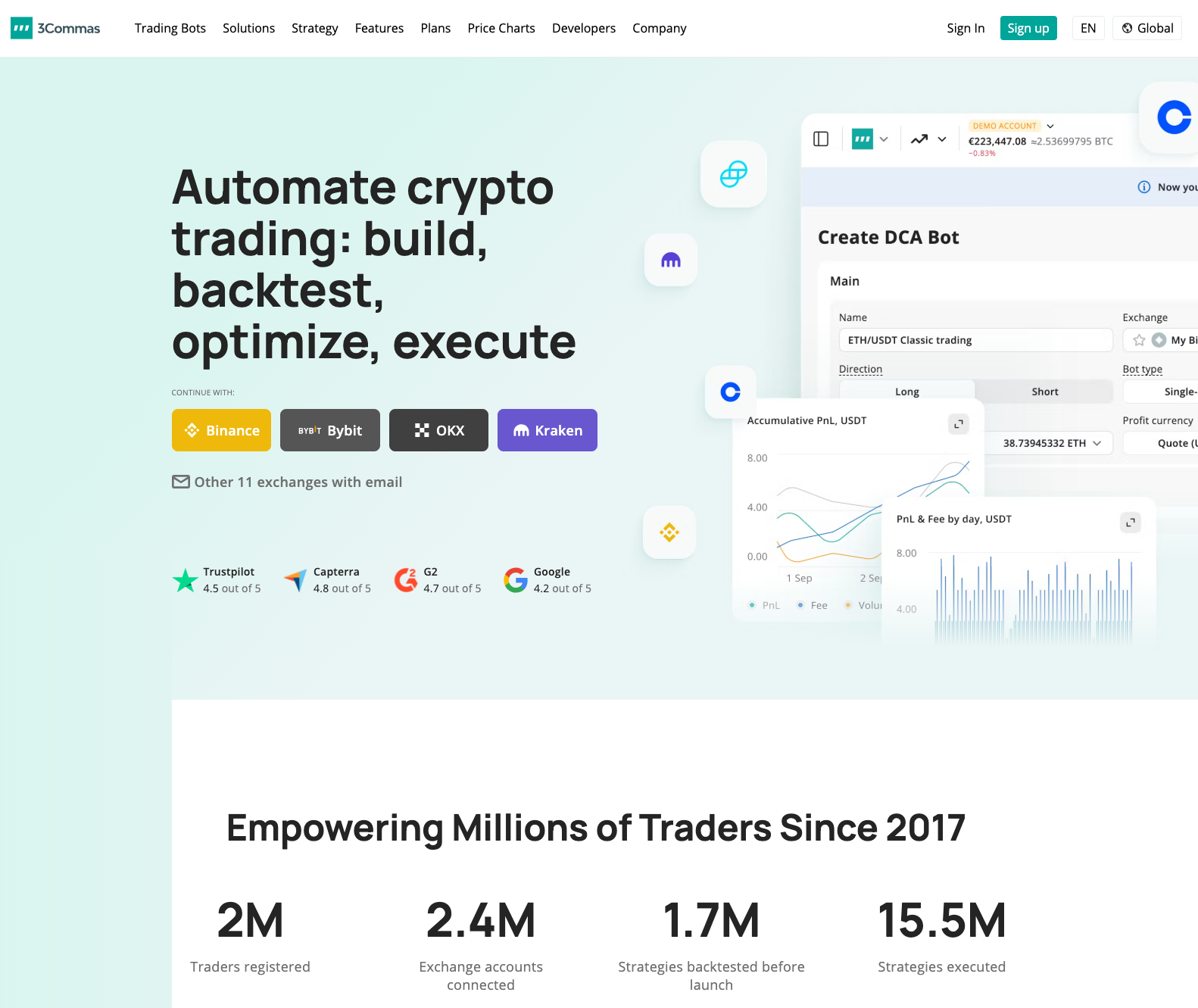
Image: 3Commas trading dashboard, source: www.3commas.io
What it is: AI-assisted crypto trading automation with DCA, grid, and smart-trade tools across multiple exchanges.
Why use it: Traders who want to run structured, risk-managed bot strategies on several centralised exchanges (CEXs) from one place, without building their own infrastructure.
Key features:
🔹 Smart Trade terminal (TP/SL, trailing, conditional orders)
🔹 DCA and grid bots with presets
🔹 Copy/marketplace strategies
🔹 Exchange connections (Binance, OKX, Bybit, KuCoin and others)
🔹 Performance analytics and deal tracking
Pros: Mature platform with large user base; good balance between no-code presets and deeper configuration; solid risk tools in Smart Trade.
Cons: Strategy marketplace quality varies — you still need to vet what you copy; works only with supported exchanges; live trading requires careful position sizing.
3Commas is often used as a “control centre” for crypto traders who want to standardise how they open, manage, and close positions across exchanges, using AI-style assistants and prebuilt bots to remove emotion from entries and exits.
Cryptohopper — bot marketplace
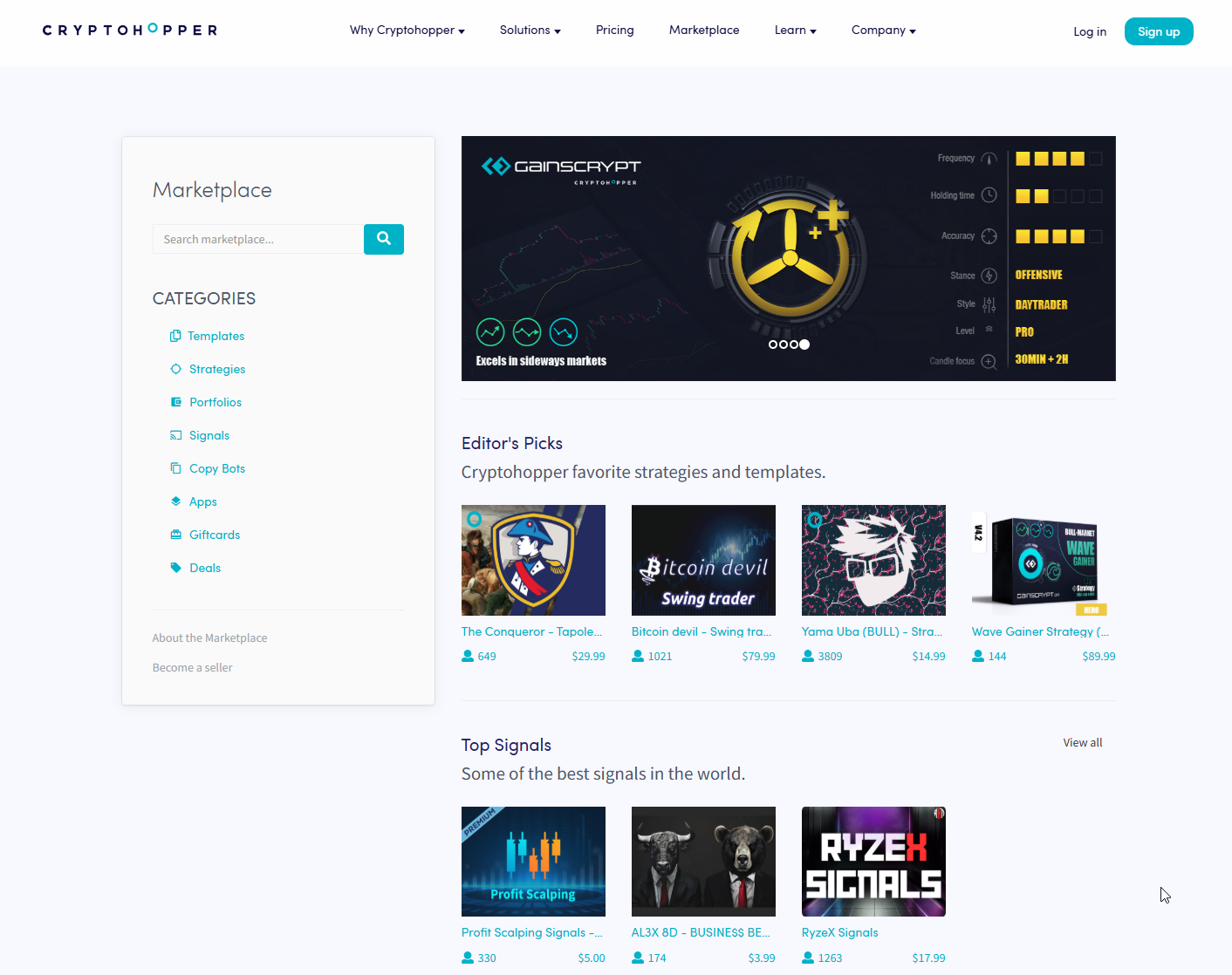
Image showcasing Cryptohopper’s marketplace, sorce: www.cryptohopper.com
What it is: Bot hosting, signals marketplace, and copy strategies.
Why use it: Quick start with prebuilt templates and signals.
Key features: Backtesting, paper trading, strategy designer.
Pros: Large ecosystem. Beginner-friendly.
Cons: Many sellers. Quality varies. Vet carefully.
URL: https://www.cryptohopper.com
ArbitrageScanner — cross-exchange price tracking
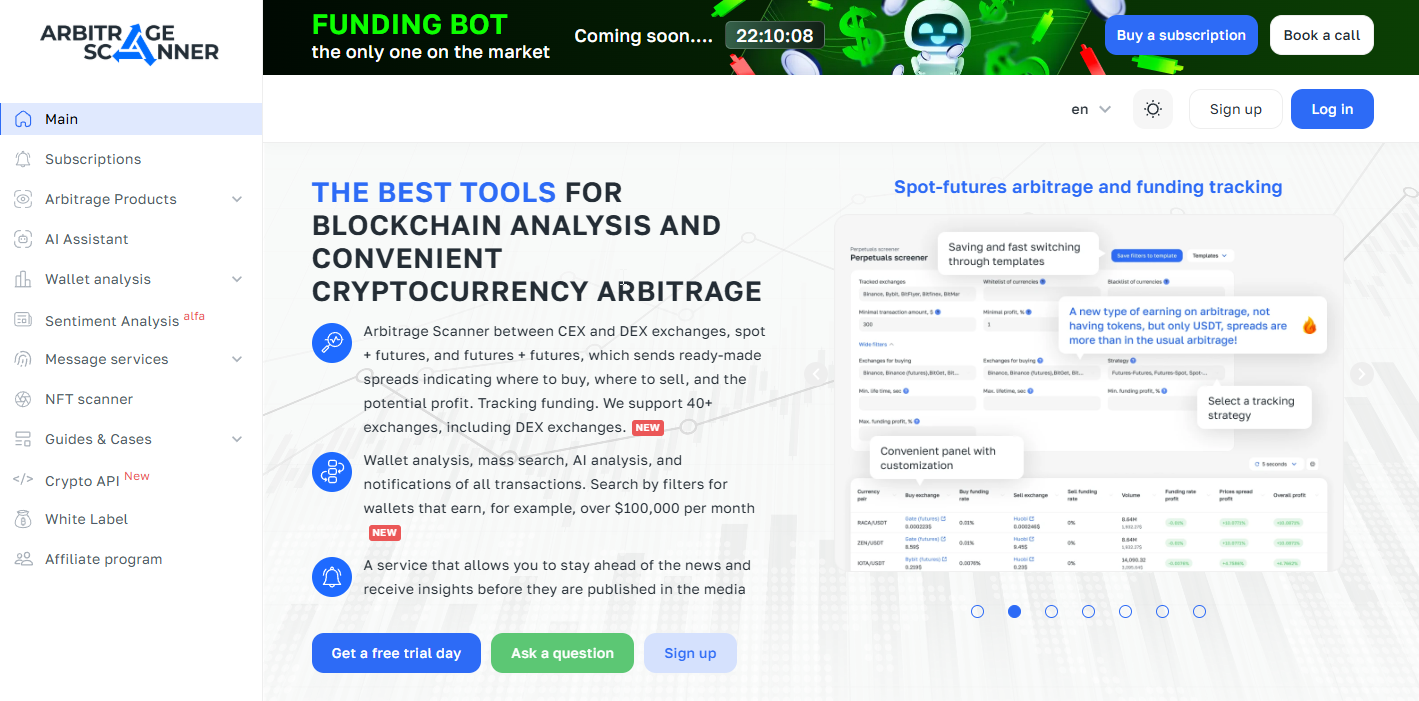
Image: Web preview of arbitragescanner, source: www.arbitragescanner.com
What it is: Arbitrage tool monitoring many CEX and DEX venues.
Why use it: Find cross-exchange price gaps.
Key features: Exchange coverage, alerts, analytics.
Pros: Focused on arbitrage. Good visibility across venues.
Cons: Execution still on you. Slippage risk.
URL: https://arbitragescanner.io
ArbitrageScanner is highlighted for monitoring price differences across dozens of centralized and decentralized exchanges to surface arbitrage opportunities.
OKX Trading Bots — built-in strategies
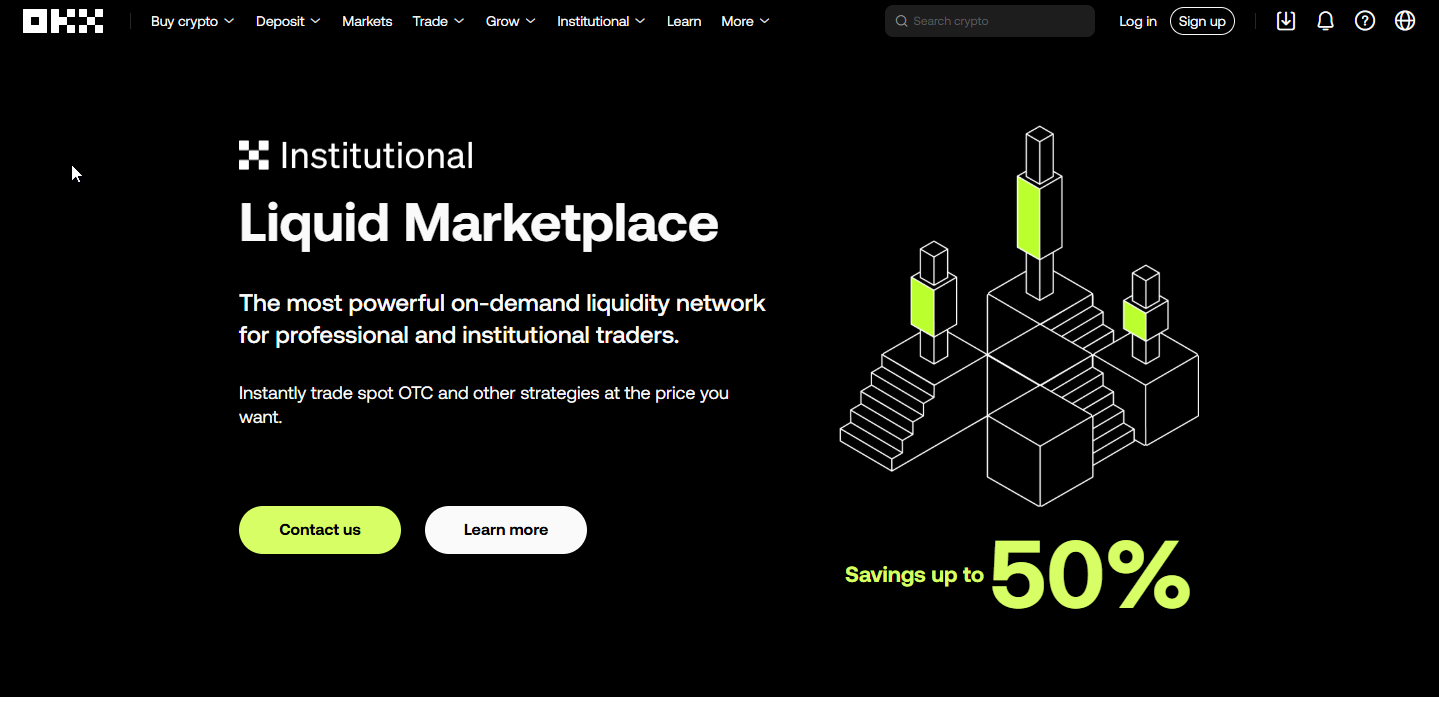 Image: OKX preview, source: www.okx.com
What it is: Exchange bots with grid, DCA, and more.
Why use it: Run bots natively on OKX.
Key features: Prebuilt bots, marketplace metrics.
Pros: Many users. Simple setup.
Cons: Exchange lock-in. Strategy limits.
OKX offers a range of prebuilt bots used by many traders globally, including grid and DCA strategies.
Bybit Trading Bot — modular strategies
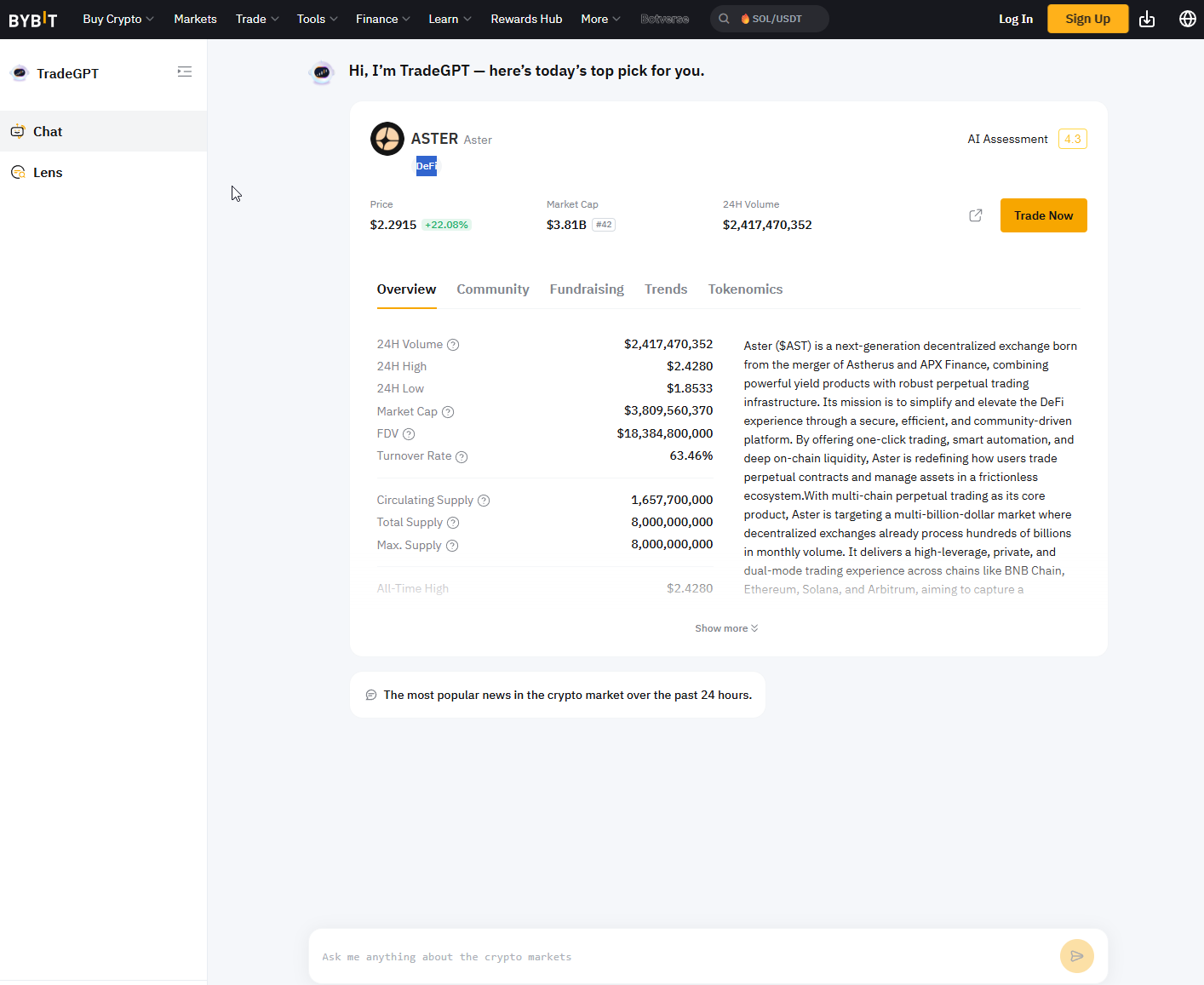 Image: ByBits Trade GPT, source: www.bybit.com
What it is: Exchange bot with grid, martingale, DCA.
Why use it: Easy bot creation for Bybit users.
Key features: Templates, marketplace, metrics.
Pros: Quick start. Clear stats.
Cons: Exchange lock-in. Martingale risk.
Bybit supports building bots with several common strategies like grid, martingale, and DCA.
HaasOnline — advanced crypto bot studio
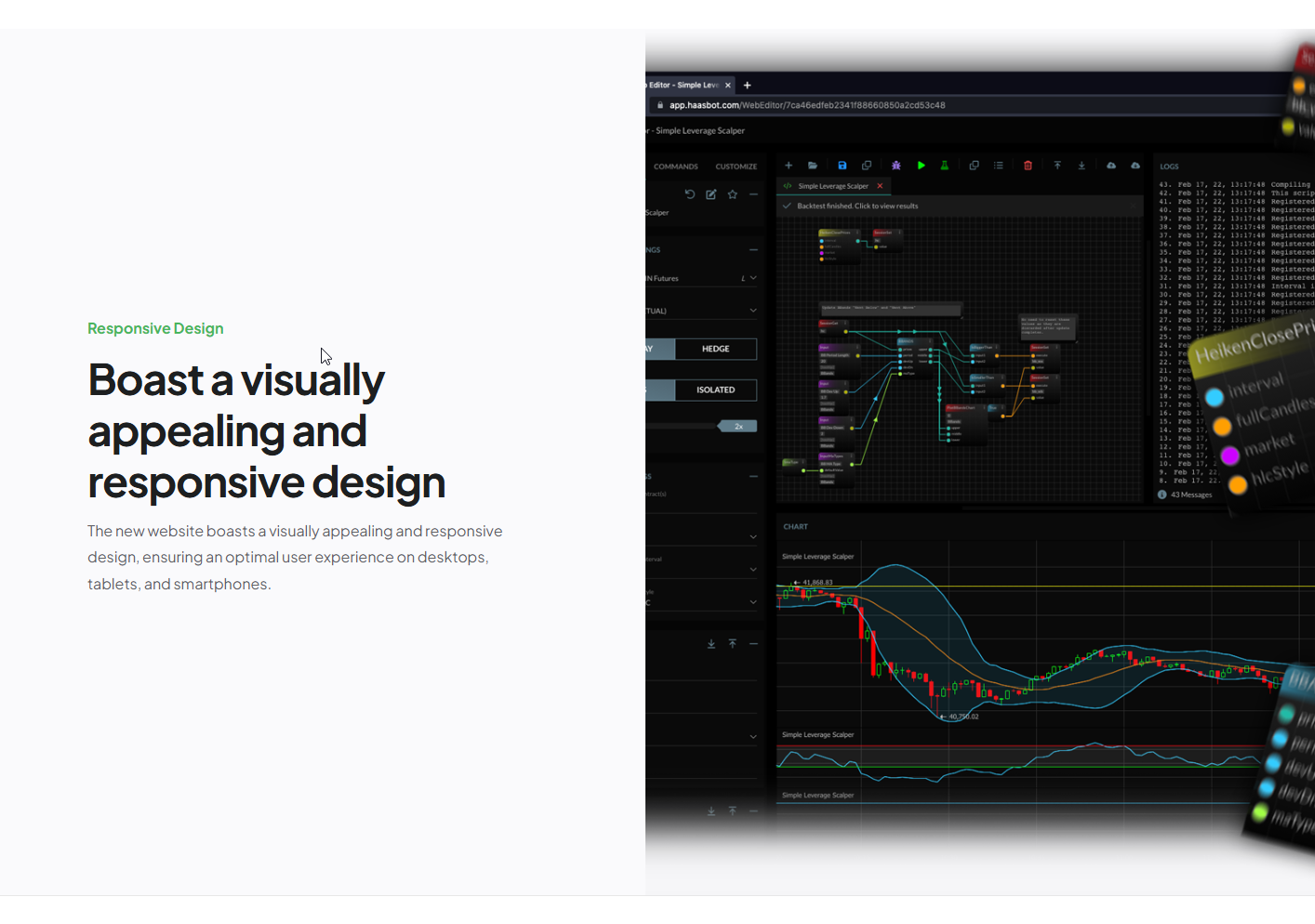 Image: Preview of HaasOnline TradeServer, source: www.haasonline.com
What it is: Bot builder with technical and custom logic.
Why use it: Power users who want deep control.
Key features: Backtests, scripting, signals.
Pros: Very flexible. Pro-grade tooling.
Cons: Steep learning curve. Self-managed.
URL: https://www.haasonline.com
HaasOnline offers bot creation and optimization, signal integration, and trial access for testing strategies.
Kryll — visual strategy builder
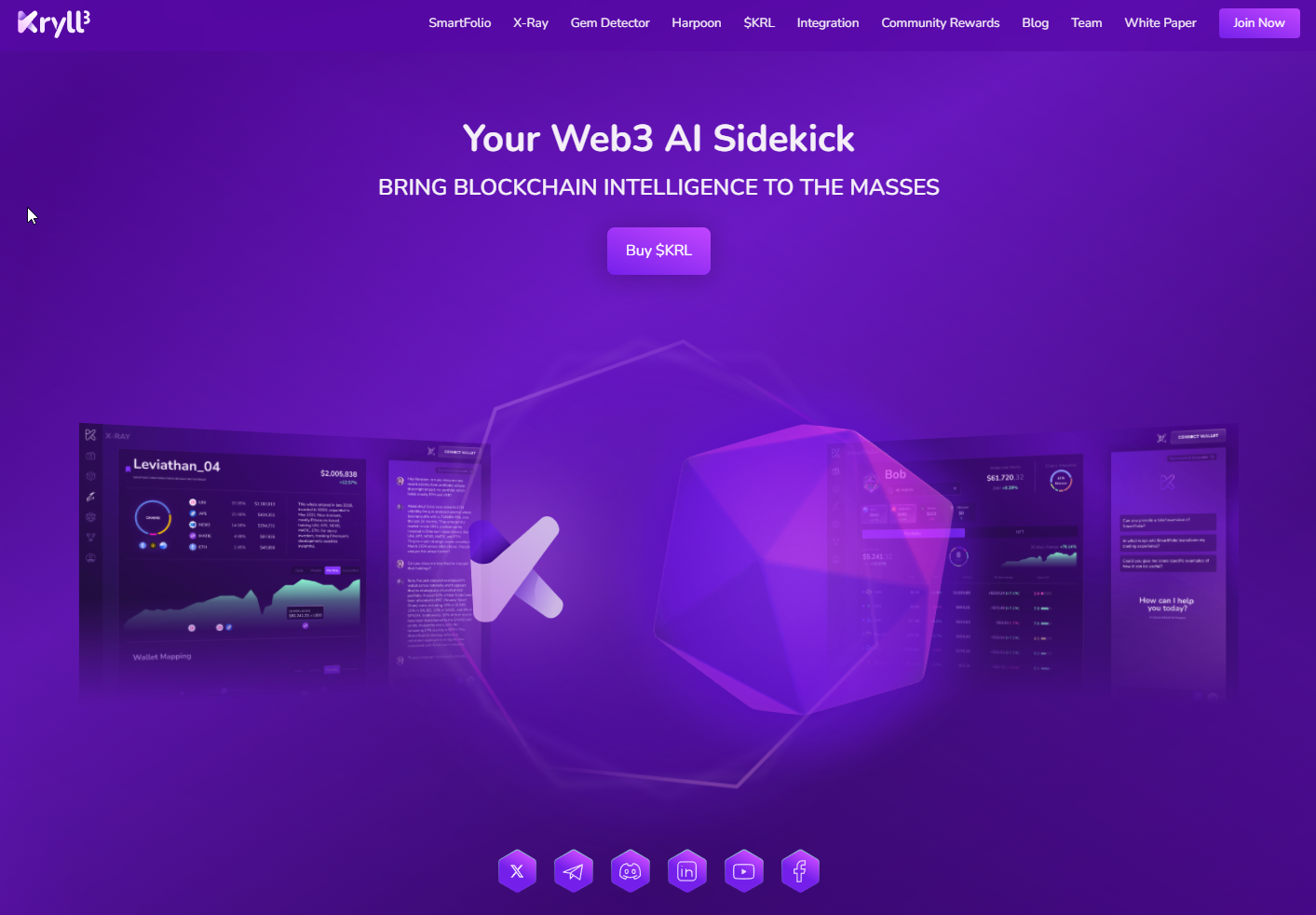 Image: Kryll and its enhanced AI based trading platform, source: www.kryll.io
What it is: Drag-and-drop strategy design across exchanges.
Why use it: No-code bot creation.
Key features: Marketplace, backtests, paper trade.
Pros: Simple visual blocks. Cloud hosting.
Cons: Marketplace quality varies. Fees add up.
Kryll connects to multiple exchanges and lets users run bots from a unified dashboard.
OctoBot — open-source automation
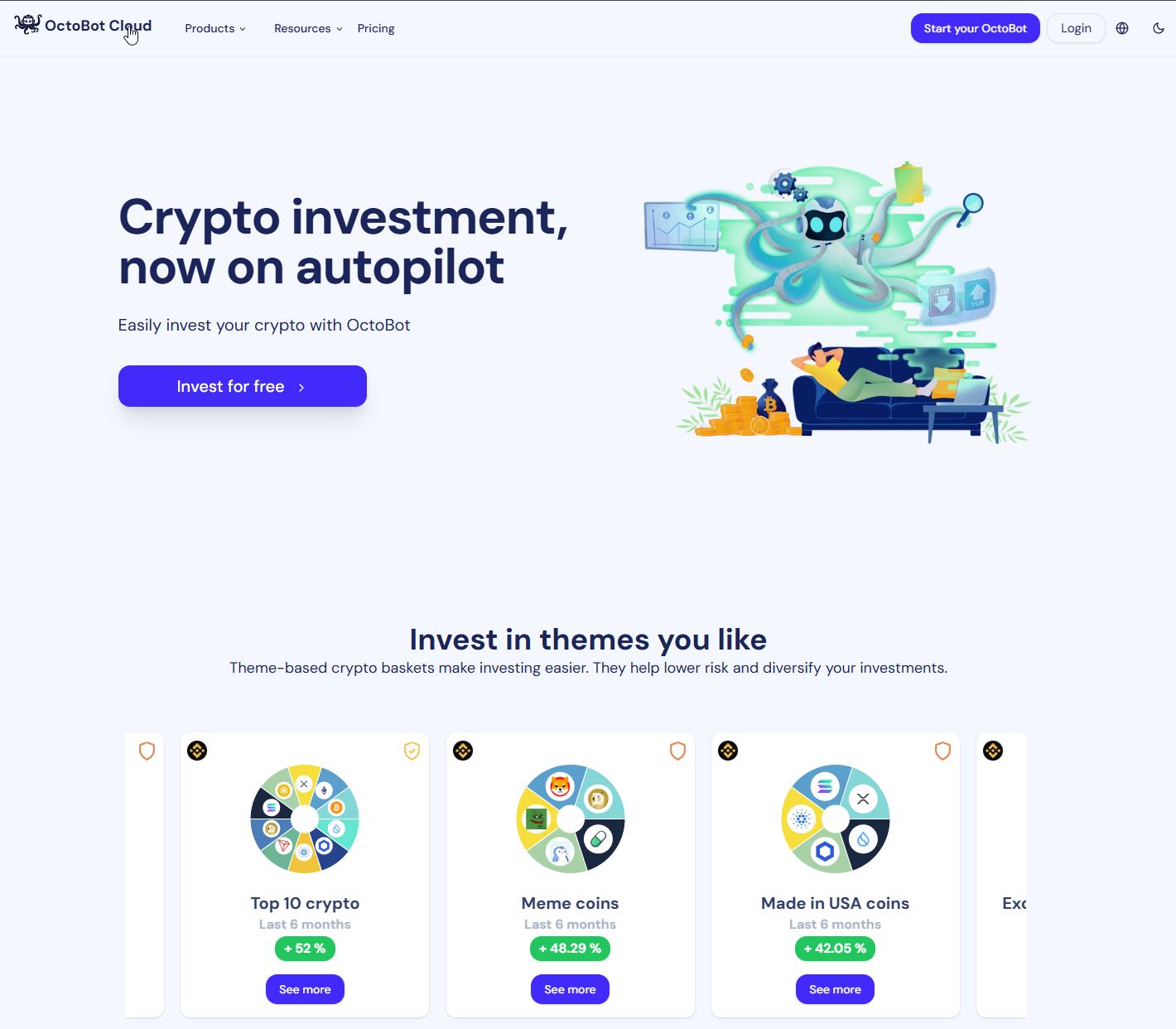 Image: Octobot Cloud platform, source: www.octobot.cloud
What it is: Community-driven crypto trading automation.
Why use it: Flexible and transparent with paper trading.
Key features: TradingView integration, virtual testing.
Pros: Open-source. Try before live.
Cons: DIY approach. Fewer guardrails.
OctoBot supports automating strategies integrated with TradingView and testing with virtual funds before going live.
Santiment — on-chain and social crypto metrics
 Image: Santiment’s platform preview, source: www.santiment.com
What it is: Crypto analytics with sentiment and on-chain data.
Why use it: Understand behavior, not just price.
Key features: Social trends, address activity, network health.
Pros: Deep metrics. Strong research tools.
Cons: Not a bot. Needs interpretation.
Sentora (Previously IntoTheBlock) — crypto indicators and signals
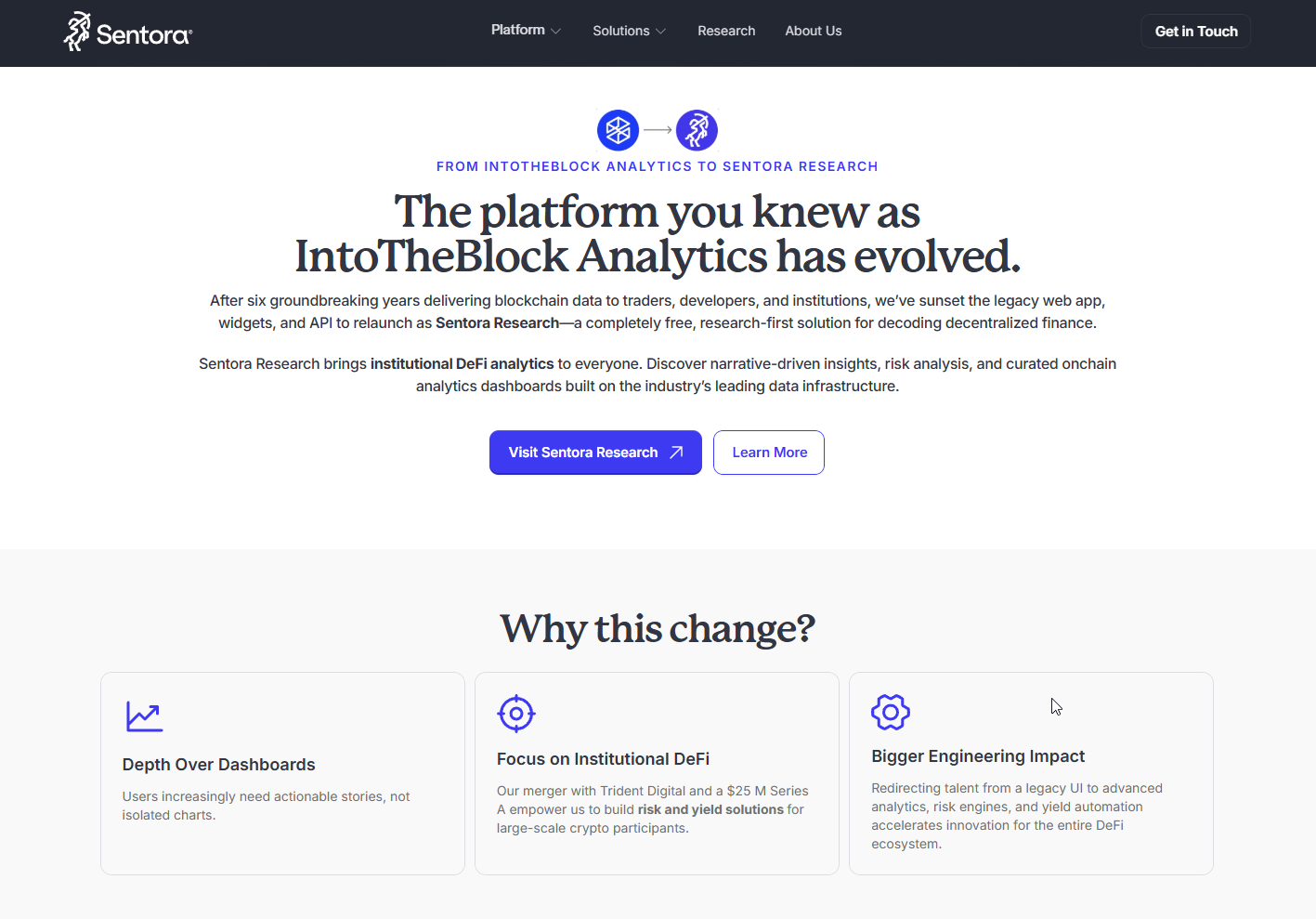 Image: Sentora (previously intotheblock), source: www.sentora.com
What it is: Analytics across addresses, flows, and risk.
Why use it: Identify on-chain trends and likely zones.
Key features: In/Out of Money, concentration, flows, signals.
Pros: Clear indicators. Easy to apply.
Cons: Macro view helps more than intraday.
Multi-asset intelligence and signals
Innotrade.ai — real-time AI trading analysis
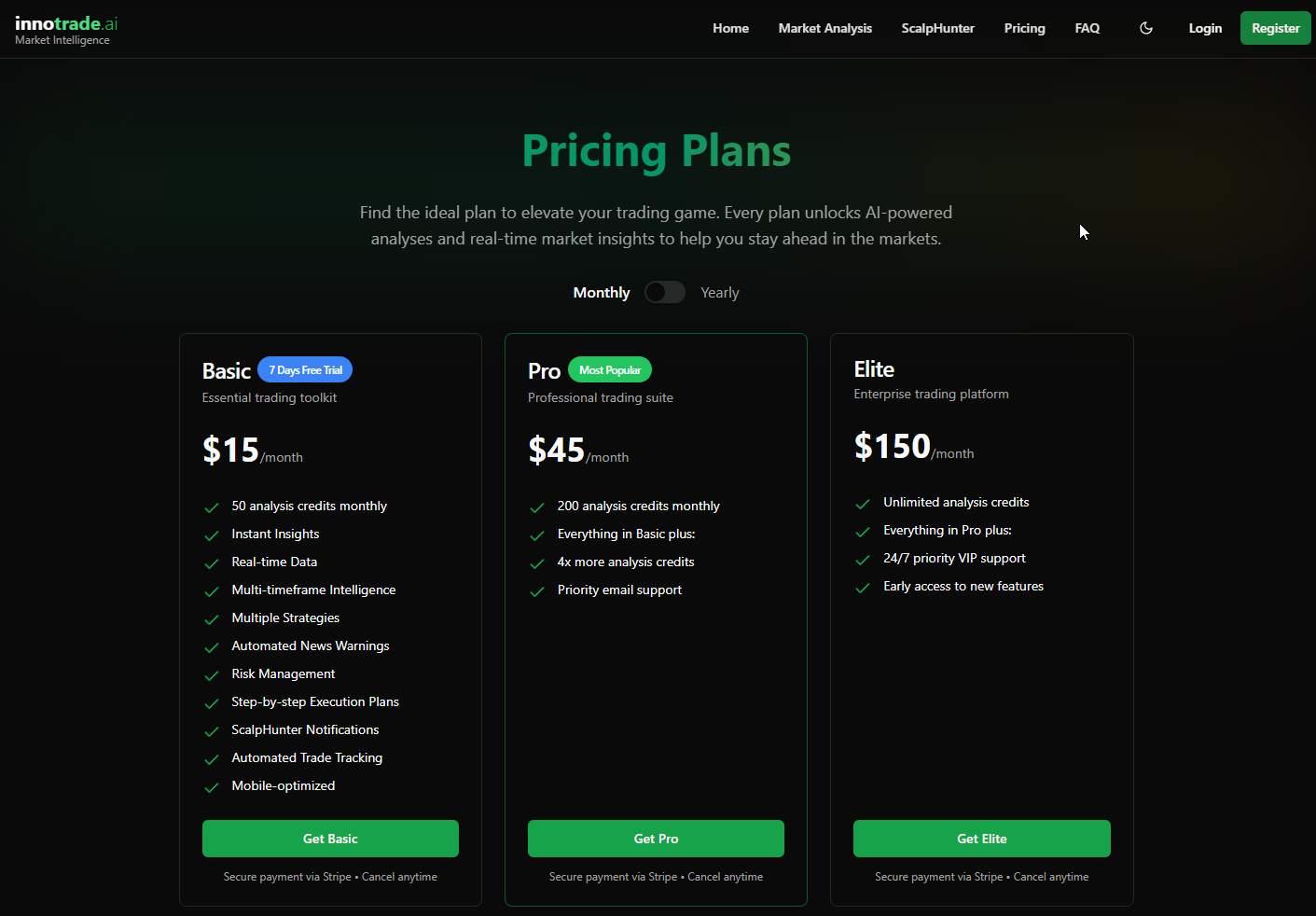 Image: Plans. Pricing and features of innotrade.ai, source: www.innotrade.ai
What it is: Multi-asset AI insights for forex, crypto, and indices.
Why use it: Institutional-style signals in a retail-friendly package.
Key features: ScalpHunter, multi-timeframe signals, performance tracking, economic news alerts.
Pros: Real-time analysis. Structured signal delivery. Trial access.
Cons: New platform. You should validate signals with your risk plan.
i
nnotrade.ai offers AI-powered analysis and automated signals across forex, crypto, and major stock indices, including features like multi-timeframe intelligence and performance tracking.
AI Signals — cross-asset alerts and community
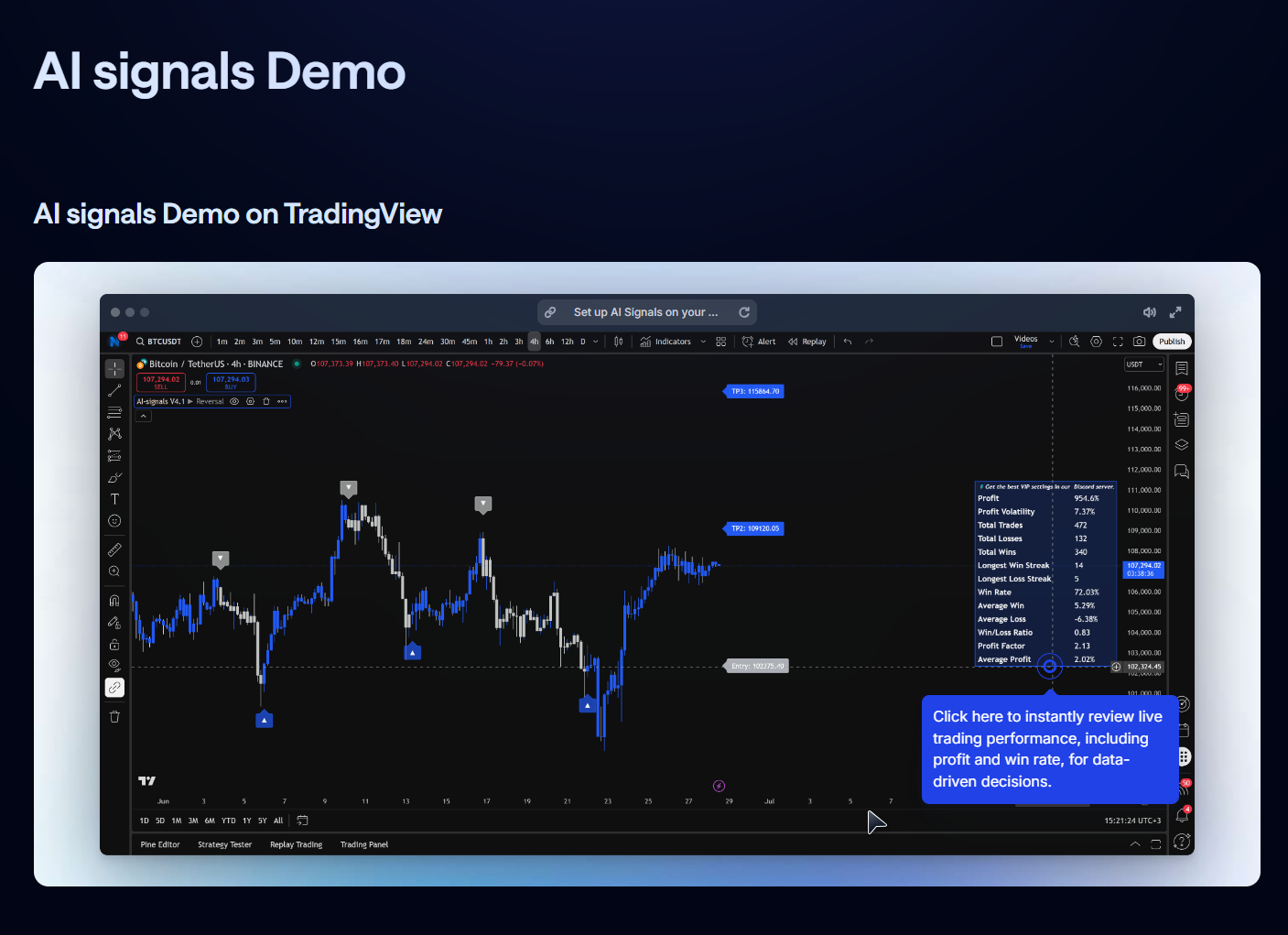 Image: AI Signals Demo on TradingView, source: www.ai-signals.com
What it is: Signals and analysis for stocks, crypto, forex, and commodities.
Why use it: Broad coverage with real-time alerts and screeners.
Key features: Insider alerts, earnings tracking, AI screeners, live sessions.
Pros: Wide asset coverage. Active community. Clear recommendations.
Cons: You still need position sizing and exit rules. Subscription model.
AI Signals provides AI-driven signals and analysis across multiple asset classes, including earnings and insider alerts, with a strong community and flexible plans.
TrendSpider (multi-asset)
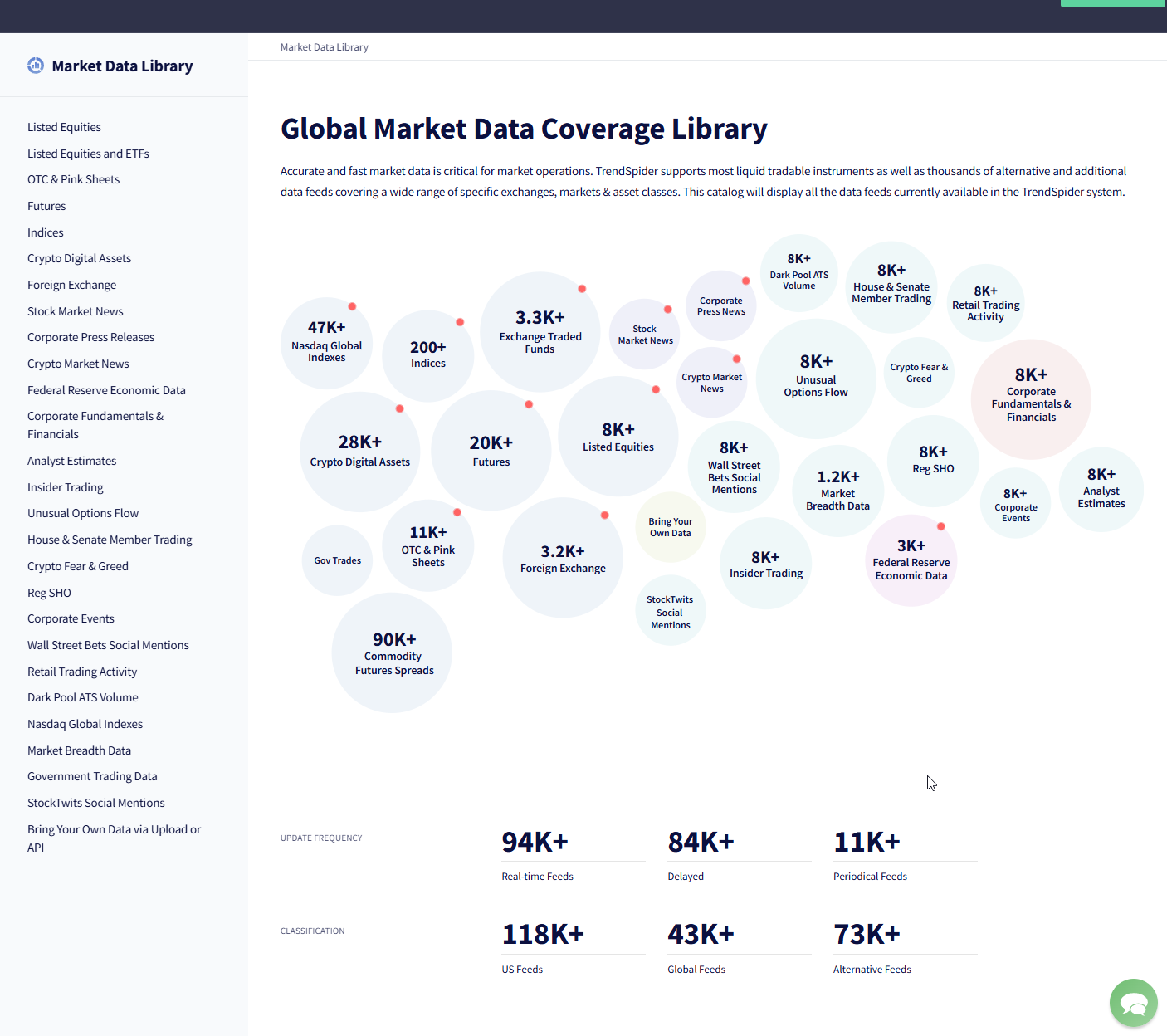 Image: TrendSniper’s maket data library, source: www.trendsniper.com
Why include again: Works beyond equities. Useful for crypto and forex charting workflows.
Note: Use its automation to scan many tickers fast.
URL: https://www.trendspider.com
TrendSpider’s automation can scan multiple instruments and send alerts when conditions are met, saving time for short-term traders.
Strategy research, backtesting, and quant tools
QuantConnect — institutional-grade backtesting
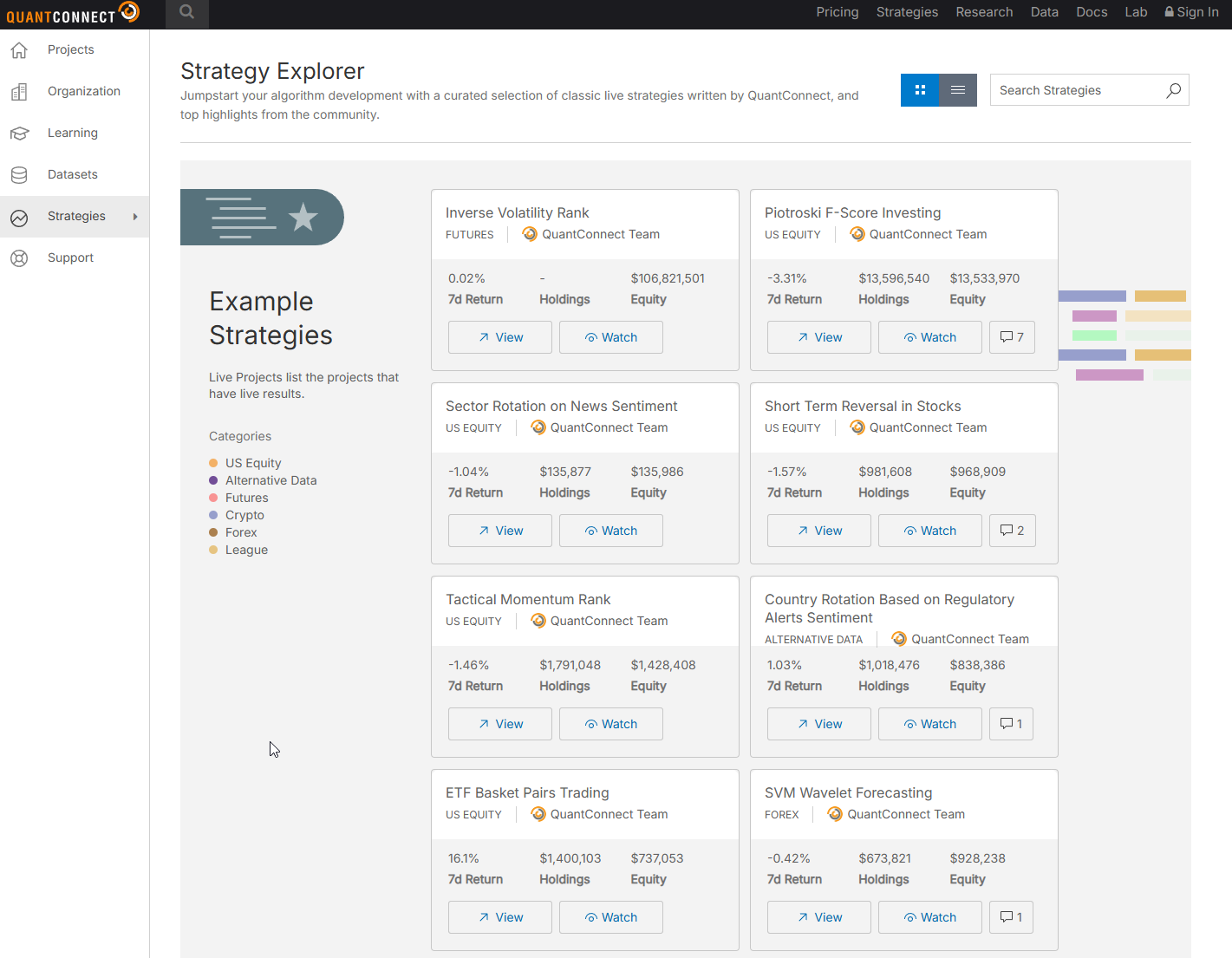 Image: Quantconnect’s strategy explorer and Algorithmic Lab V3, source: www.quantconnect.com
What it is: Cloud quant platform with data libraries and live deploy.
Why use it: Build and test strategies in C#/Python. Trade live via brokers.
Key features: LEAN engine, datasets, optimization, paper/live.
Pros: Serious quant stack. Huge community.
Cons: Requires coding. Steeper learning curve.
URL: https://www.quantconnect.com
Nexera AI — natural-language to executable logic
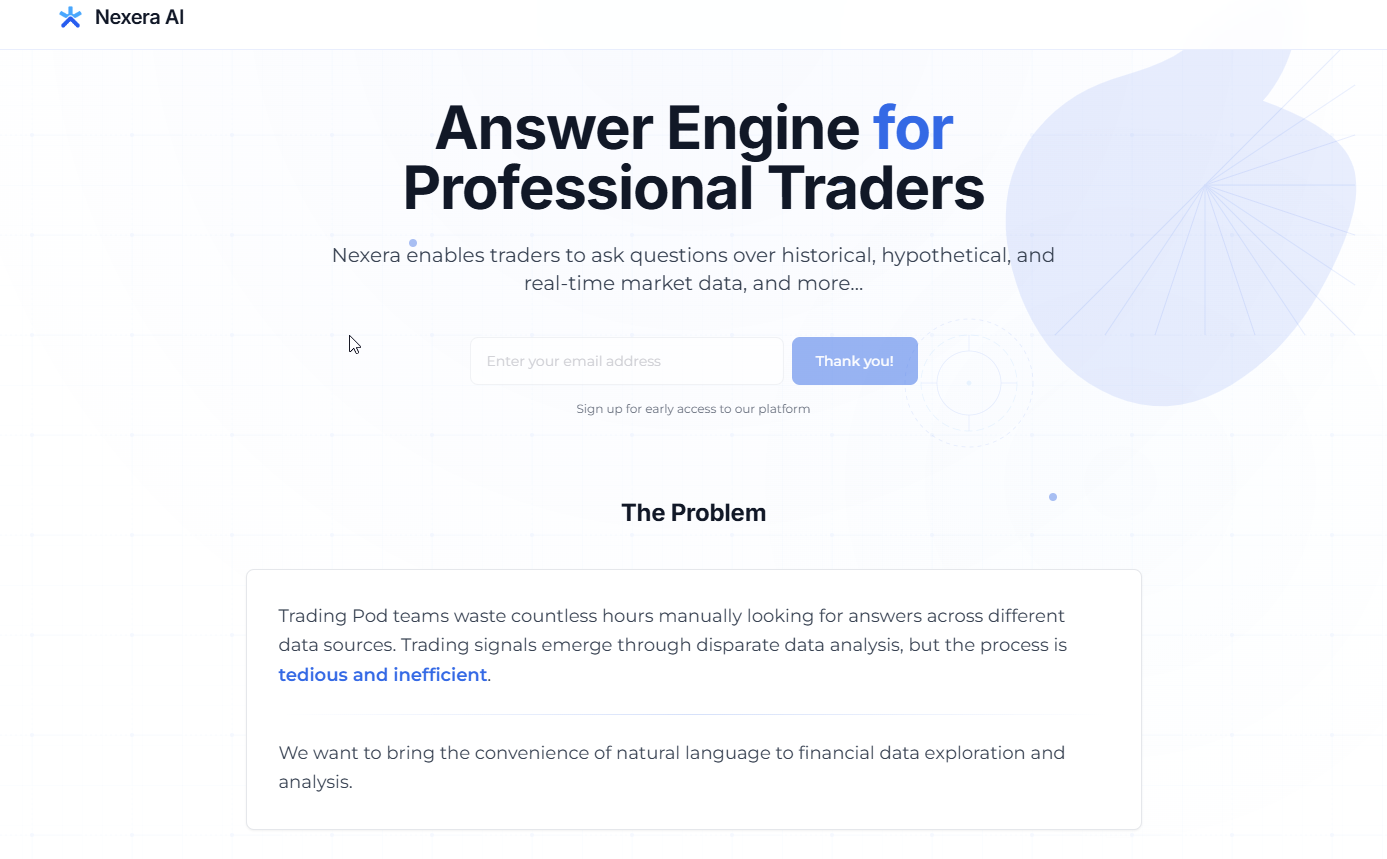 Image: Nexera AI, source: www.nexera.ai
What it is: Turn written strategy intent into testable rules and execution paths.
Why use it: Bridge research and deployment with AI orchestration.
Key features: Strategy translation, data pipelines, backtests, market integration.
Pros: Connects research to execution. Built to unify fragmented stacks.
Cons: Early-stage. You should test heavily before live.
Nexera AI aims to convert natural-language ideas into deployable strategy logic by unifying research and execution, addressing fragmentation in trading stacks and the gap between AI insights and market deployment.
Alpaca — broker API with automation support
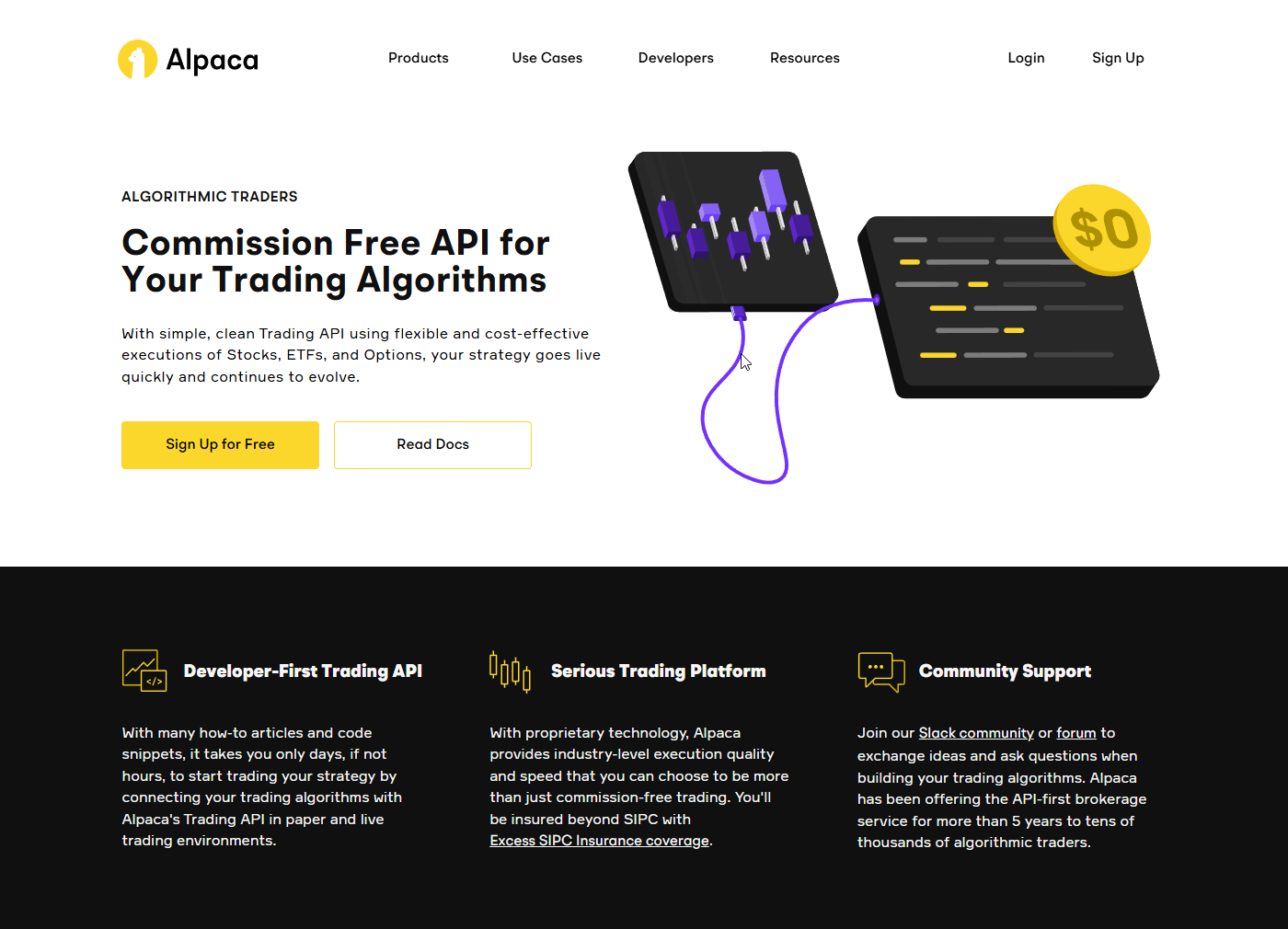
Image: Alpaca’s Commission free API, source: www.alpaca.markets
What it is: Commission-free stock trading via API.
Why use it: Execute systematic strategies from your code.
Key features: Paper trading, live trading, data APIs.
Pros: Easy API. Good for prototypes and small systems.
Cons: Broker limitations. Not a research suite.
Interactive Brokers API — broad market access
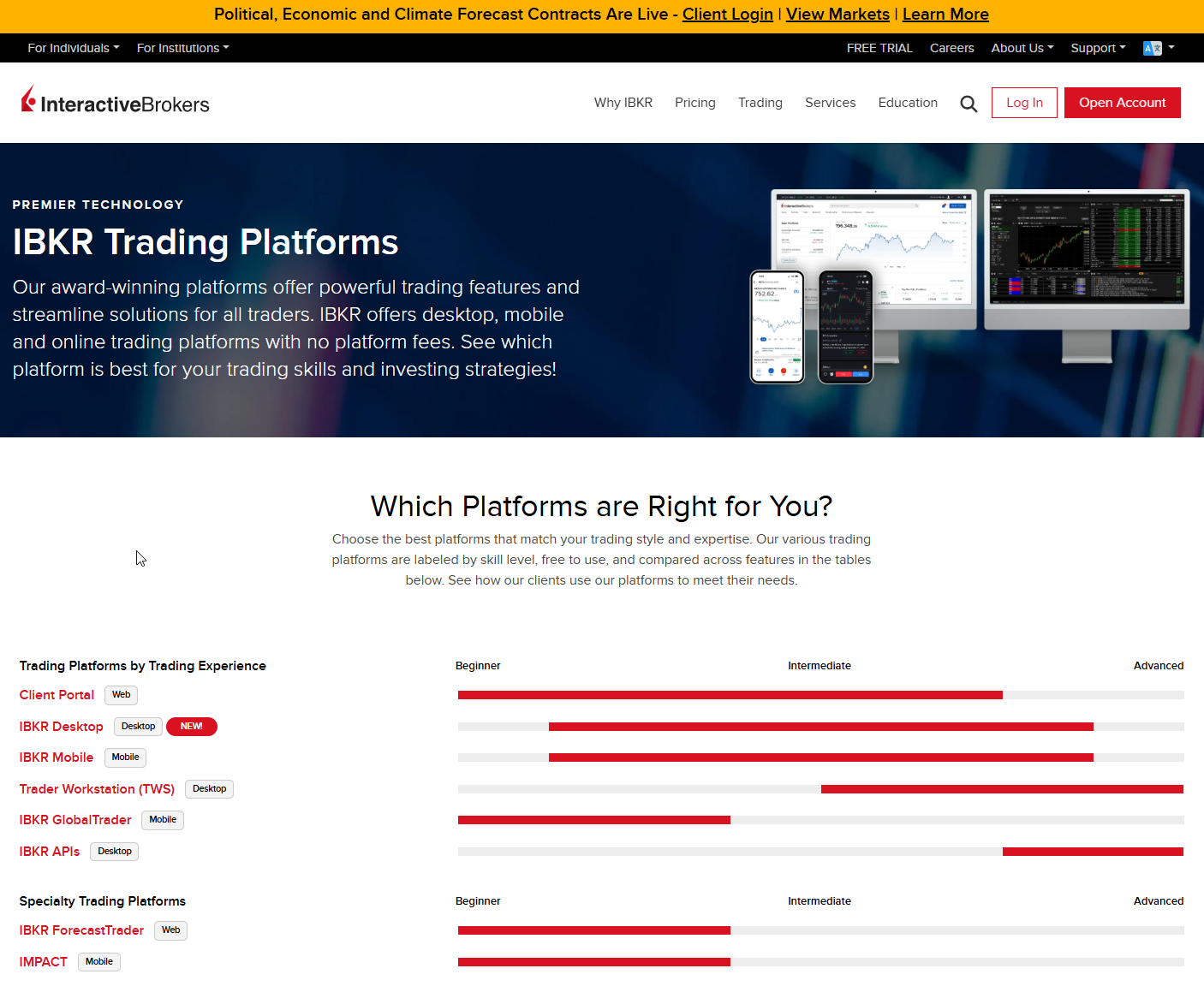
Image: Interactive Brokers Platform List, source: www.interactivebrokers.com
What it is: Global markets with API execution.
Why use it: Connect quant strategies to many asset classes.
Key features: Market data, order routing, paper/live.
Pros: Huge coverage. Robust routing.
Cons: Complex setup. Documentation takes time.
URL: https://www.interactivebrokers.com
More platforms worth knowing
Coinrule — rule-based crypto trading
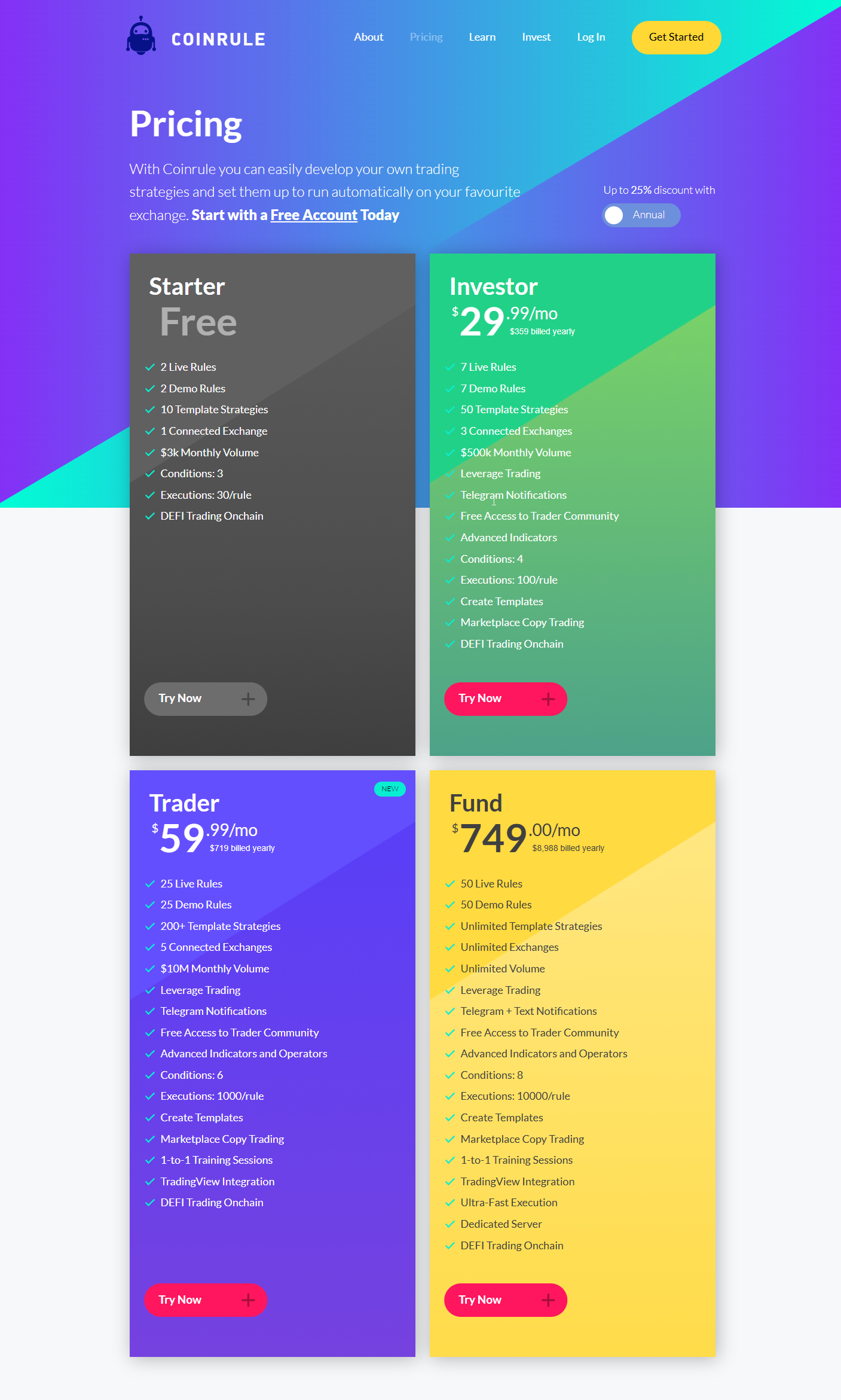
Image: Coinrule’s plans, features and pricing, source: www.coinrule.com
What it is: No-code rules for automated crypto trades.
Why use it: Simple automation for common strategies.
Key features: Templates, backtesting, exchange support.
Pros: Easy setup. Good for beginners.
Cons: Limited complexity. Careful with risk.
Coinrule is widely cited as enabling algorithmic crypto trading without coding.
Binance Trading Bots — native exchange bots
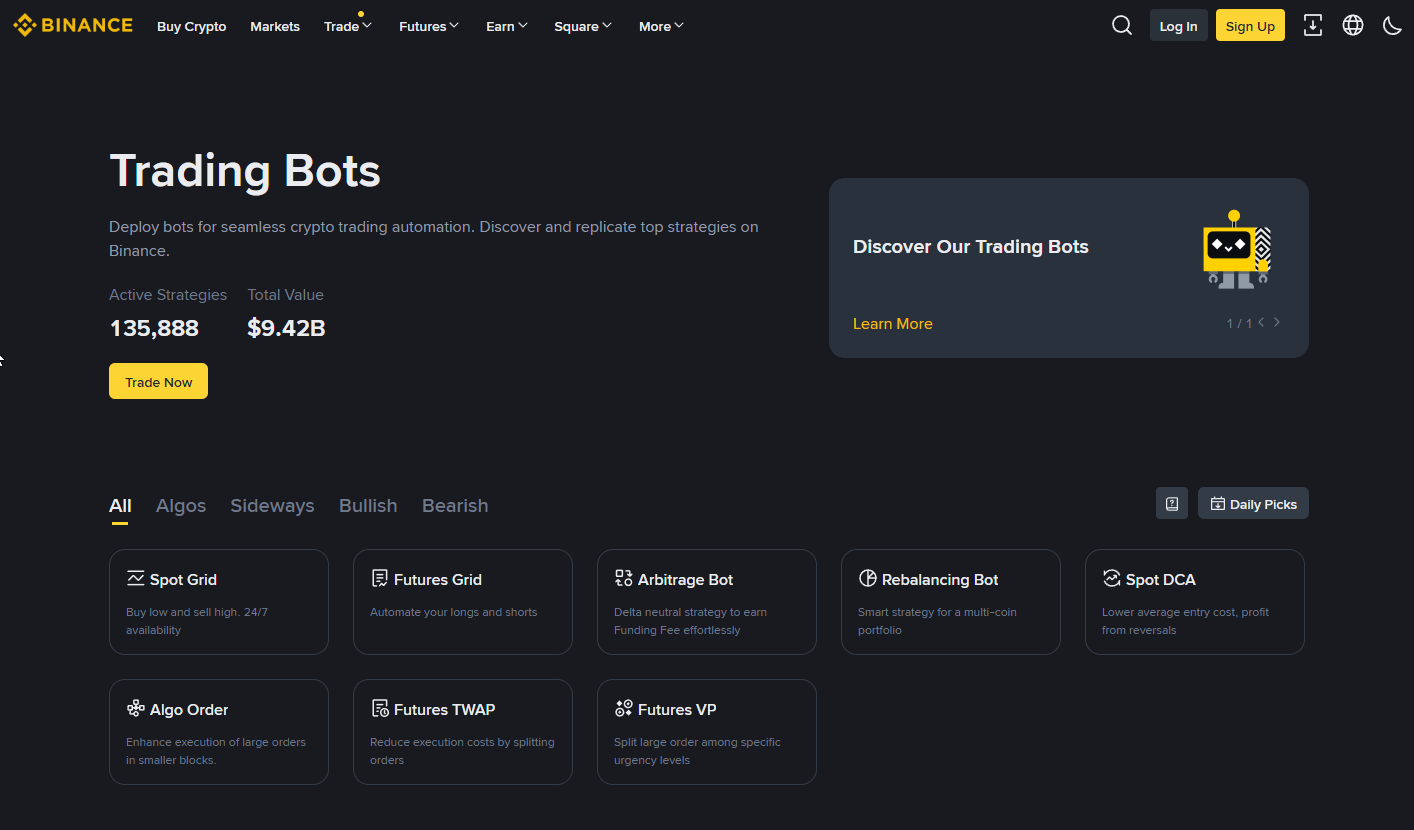
Image: Binance Trading Bots, source: www.binance.com
What it is: Build or copy bots from the marketplace.
Why use it: Bots inside Binance with marketplace options.
Key features: Grid, DCA, copy bots, metrics.
Pros: Huge user base. Many templates.
Cons: Exchange lock-in. Quality varies.
Binance offers native bot creation and a marketplace for bot sharing and copying.
TradeSanta — cloud crypto bots and signals
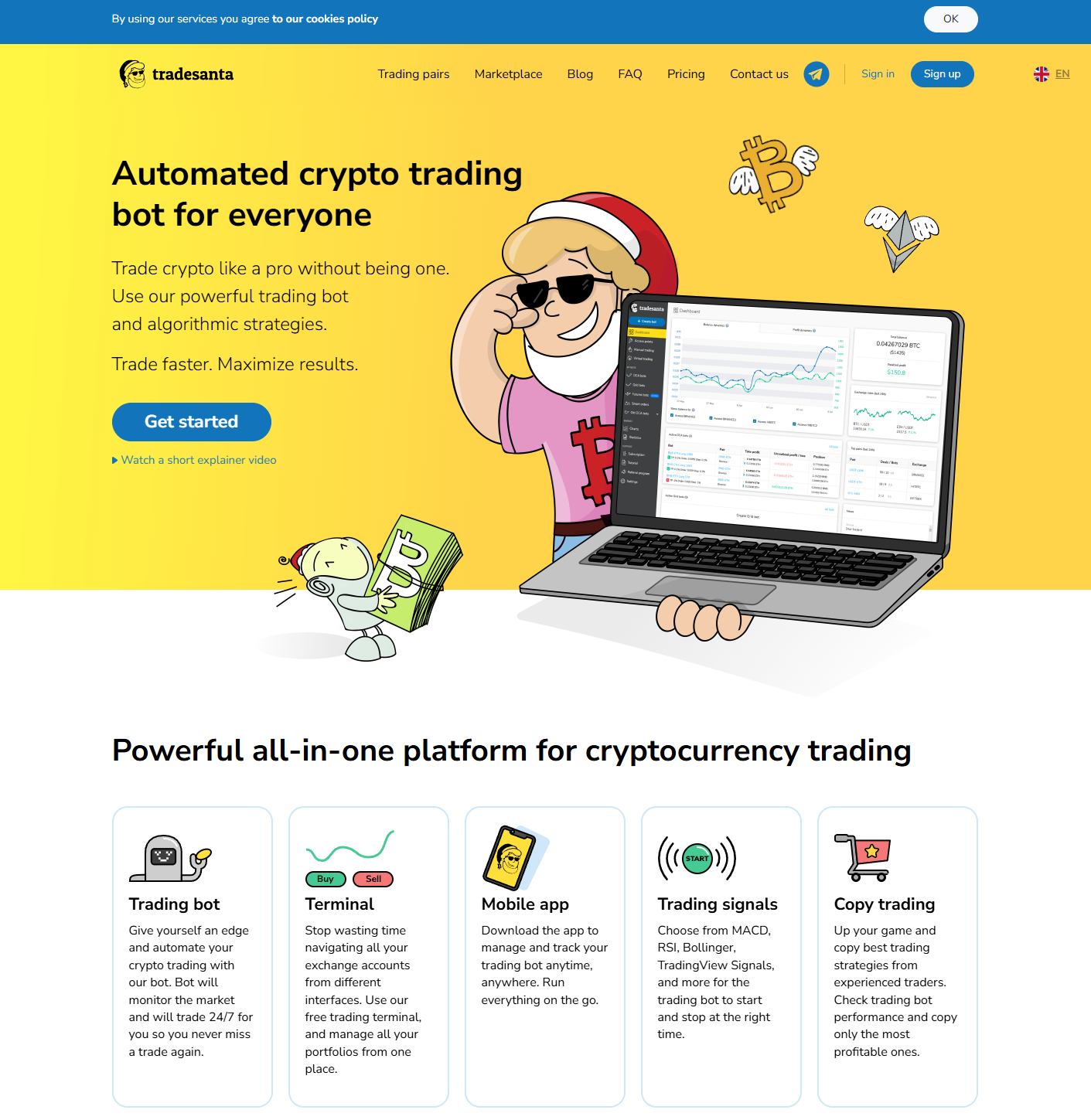 Image: TradeSanta web preview, source: www.tradesanta.com
What it is: Bots and copy trading with signals support.
Why use it: Quick cloud setup across exchanges.
Key features: Grid, DCA, signals, portfolios.
Pros: Easy to start. Supports many exchanges.
Cons: Strategy crowding risk. Fees.
TradeSanta provides crypto bots, copy trading, and signals features for automated strategies.
Dash2Trade — signals and screeners
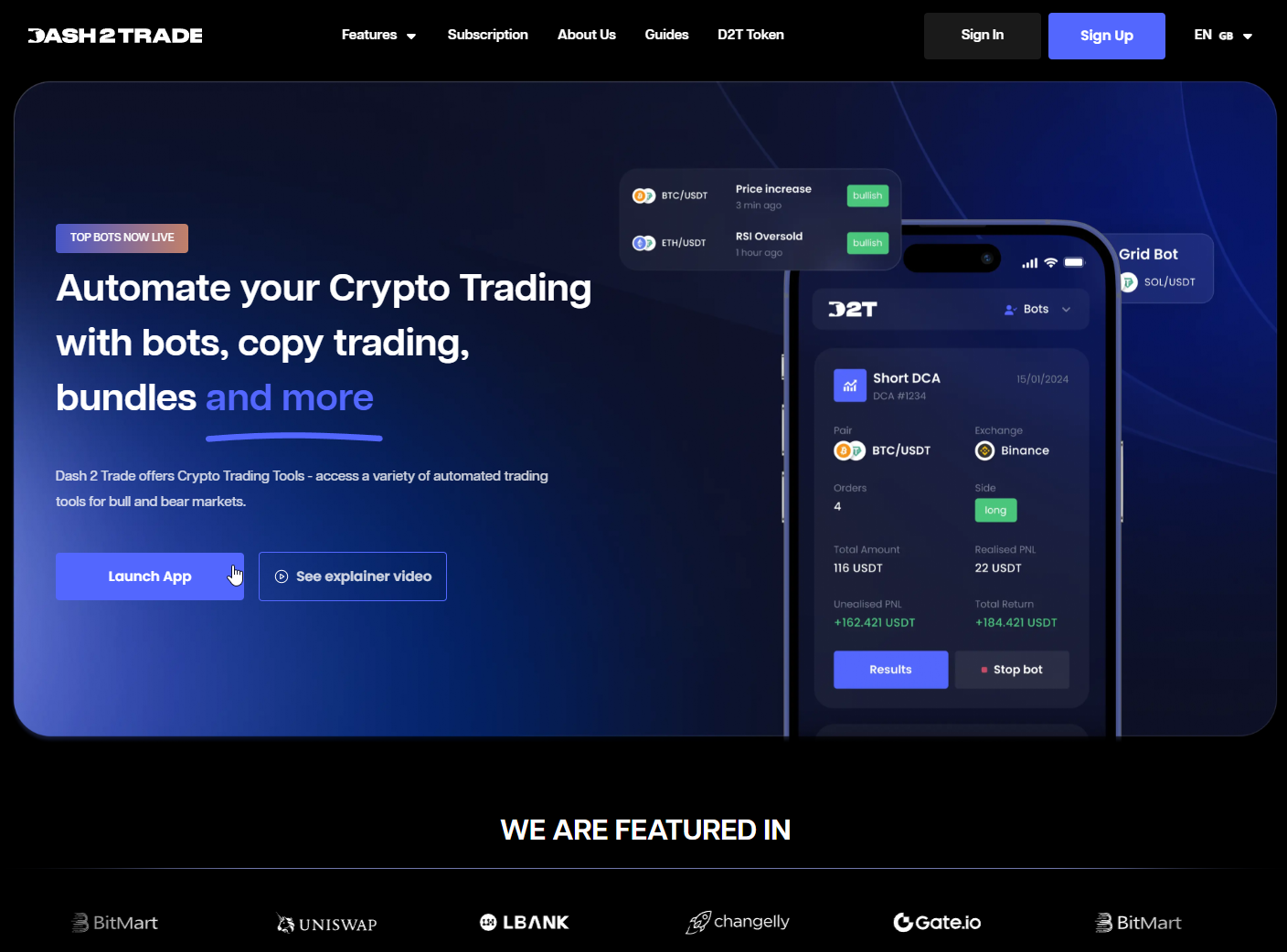 Image: Dash2Trade, source: www.dash2trade.com
What it is: AI trading platform with bots, technical signals, and social analytics.
Why use it: Combine signals with social and market data.
Key features: Screeners, signals, bot tools.
Pros: All-in-one feel. Useful for idea sourcing.
Cons: Newer ecosystem. Validate before live.
Dash2Trade is noted for offering AI trading bots, technical signals, and social analytics in one platform.
Perceptrader AI — advanced market analysis
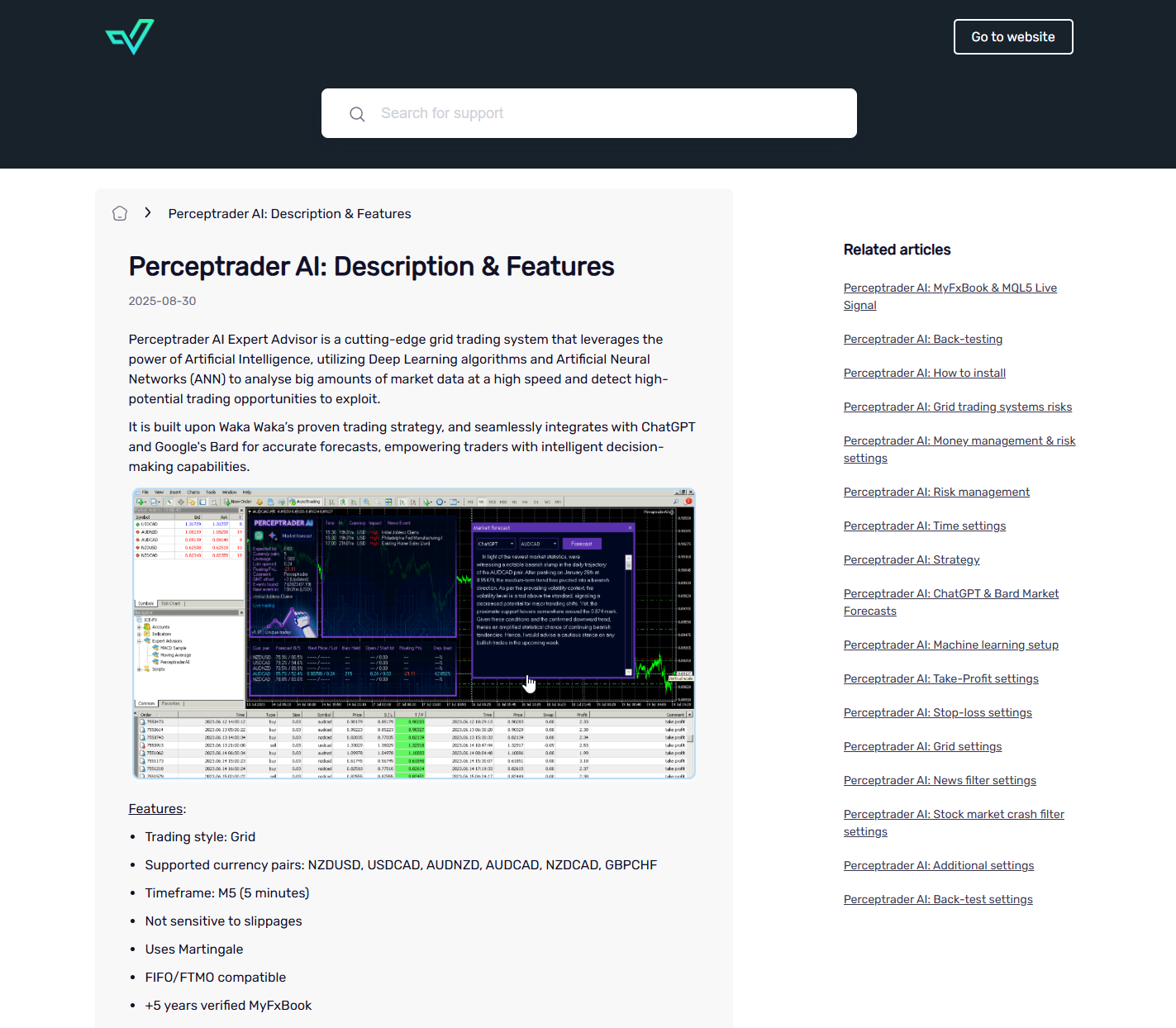 Image: Few features of Perceptrader AI, source: www.valerytrading.com
What it is: AI-driven signals for forex and indices.
Why use it: Higher-frequency insights with risk tracking.
Key features: Technical signals, performance tracking.
Pros: Focused signals. Clear delivery.
Cons: Strategy opacity. Needs testing on your data.
URL: https://www.valerytrading.com/products/perceptrader-ai
Perceptrader AI is listed as an AI-powered solution with advanced features aimed at improving performance.
Glassnode — on-chain intelligence
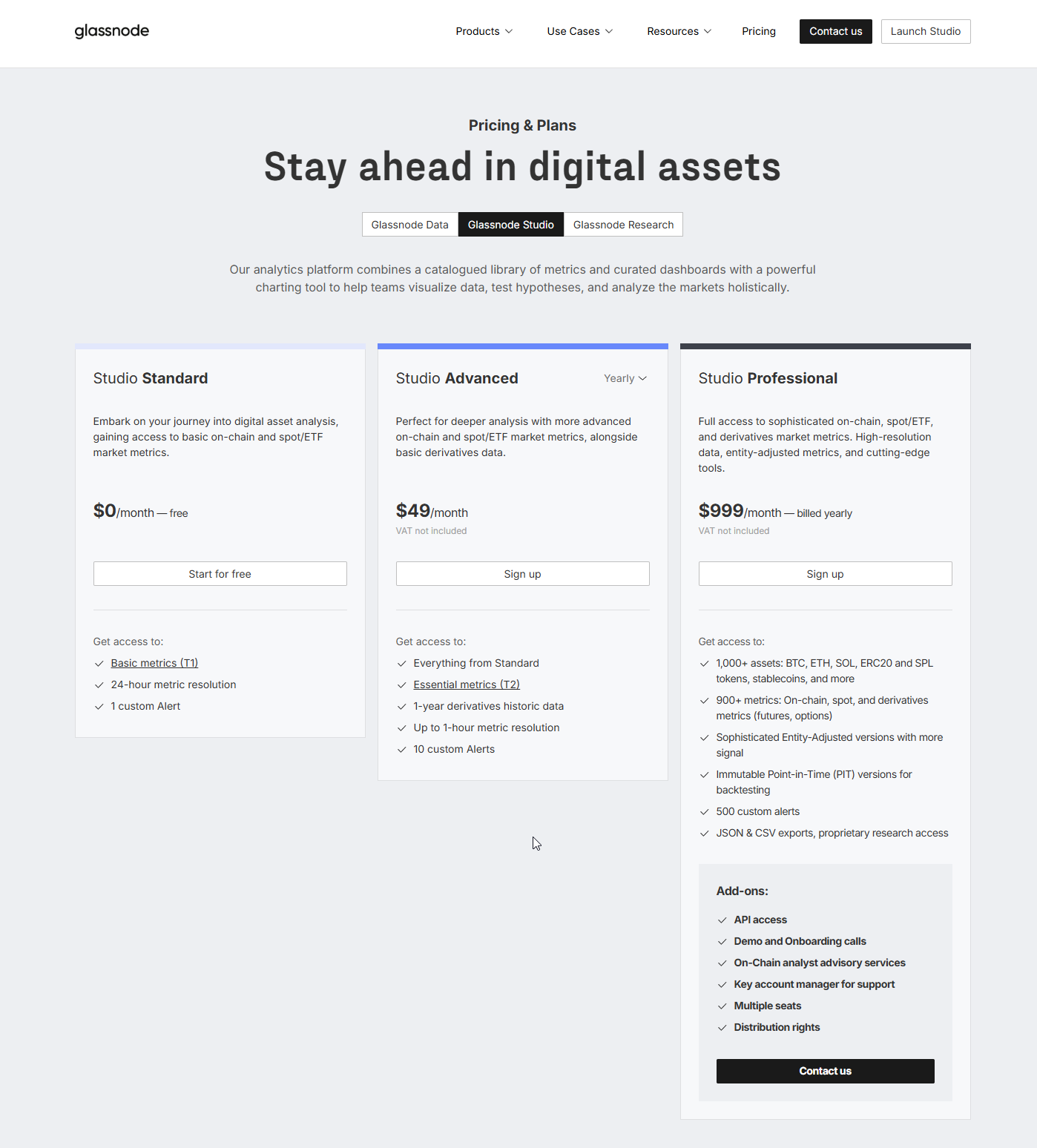 Image: Glassnode – pricing and plans, source: www.glassnode.com
What it is: Institutional on-chain analytics for crypto.
Why use it: Deep network metrics and behavioral signals.
Key features: Metrics library, alerts, workbench.
Pros: Best-in-class data quality.
Cons: Not a bot. Analysis required.
Coin Metrics — crypto market data
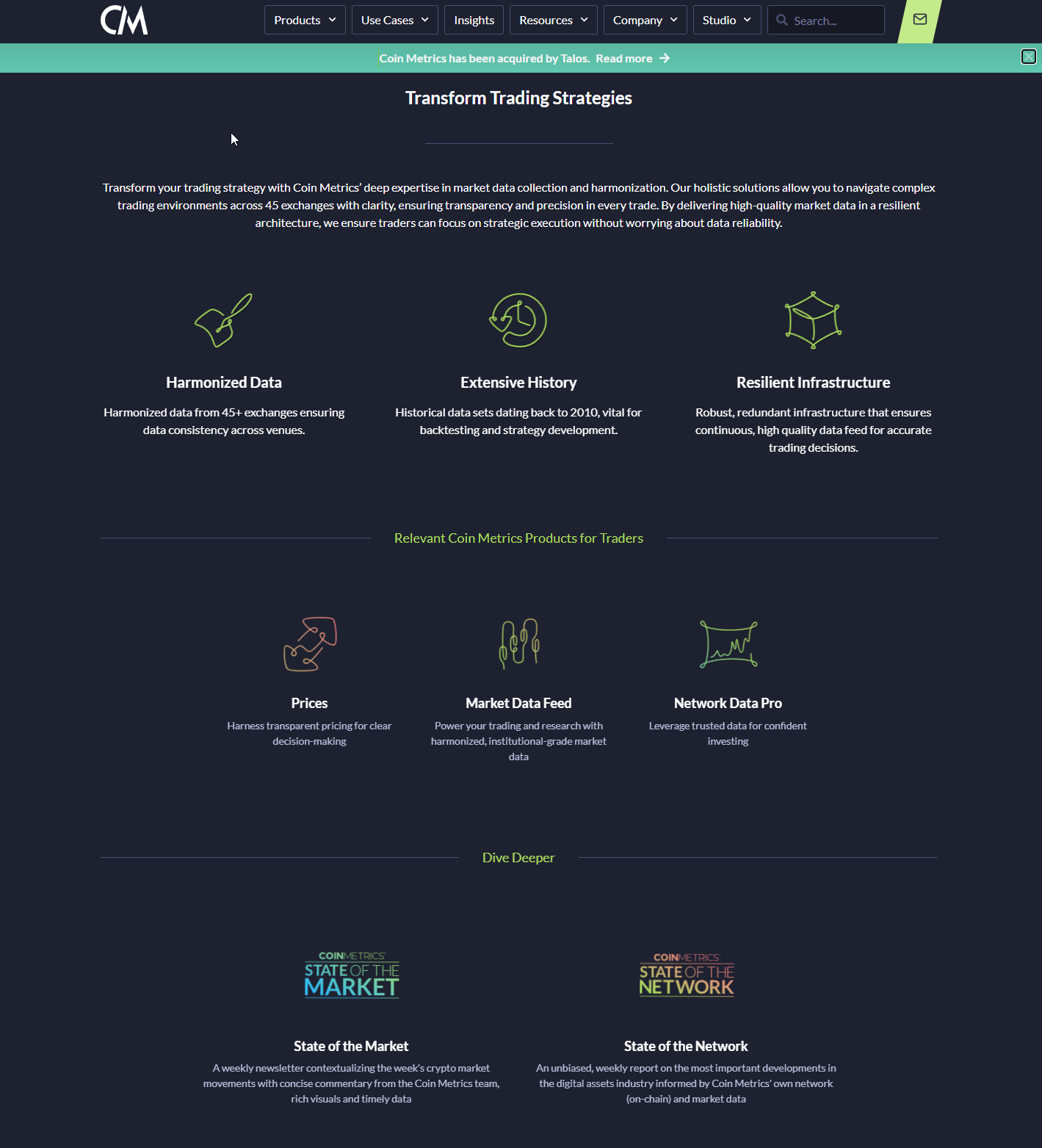 Image: Coinmetrics features, source: www.coinmetrics.io
What it is: Data provider for on-chain and market metrics.
Why use it: Reliable datasets for quant research.
Key features: Network data, exchange flows, indexes.
Pros: Trusted by institutions.
Cons: Data-only. You build the signals.
Final Thoughts
AI is changing the way people trade. It offers powerful tools that can save time, remove emotion, and find opportunities that would be impossible to spot manually.
The right platform for you depends on your goals, skills, and budget. Whether you're a day trader looking for signals from Trade Ideas, a crypto enthusiast setting up a grid bot on Pionex, or a developer building a custom algorithm with Alpaca, there is likely a tool out there that can help.
The key is to do your research, understand the risks, and see these platforms for what they are: a way to add a new and powerful dimension to your trading plan.
Share this article

Comments
Most Recent
Find The Right Partners for
Your Trading Business
Sign up and join over 5,000 professional members who receive personalized news alerts, curated professional connections, and more for free!
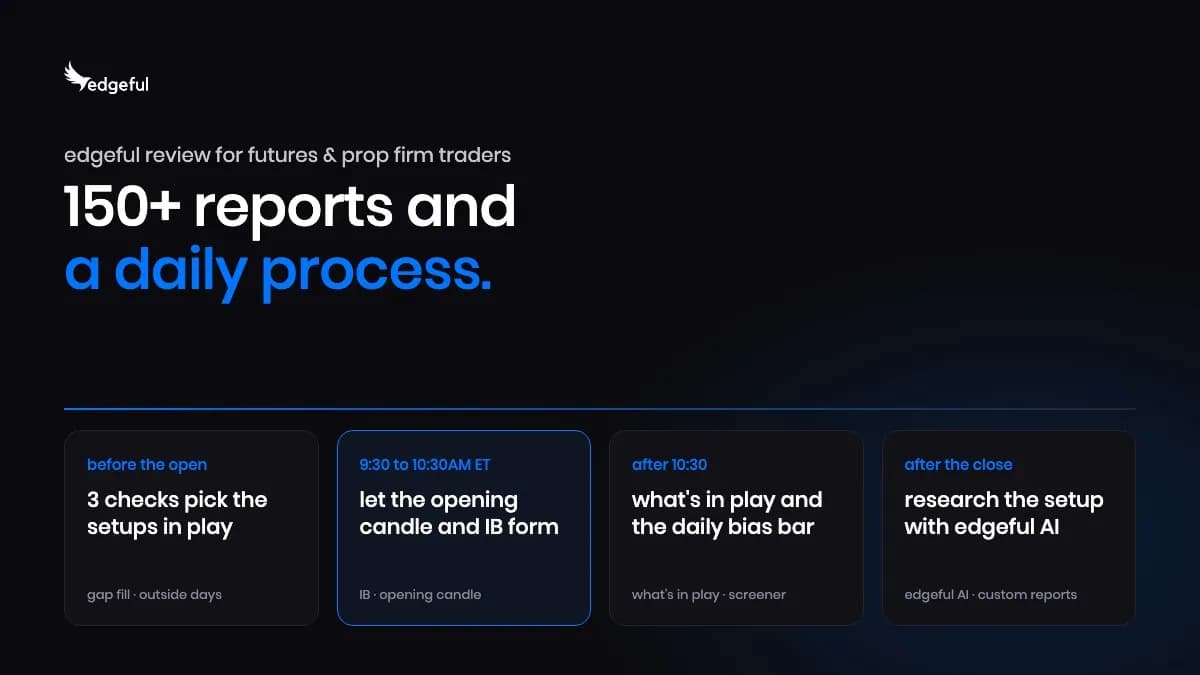
edgeful is a trading analytics platform with 150+ reports built on historical price data, covering futures such as NQ and ES. This guide explains its daily process, screener, TradingView indicators, edgeful AI, automated algos for prop firm accounts, and three pricing plans from $49 to $299 a month.
A look at six trading intelligence and research platforms, comparing how they help independent investors access market data, AI analysis and institutional-style research.
7 Best Emerging AI Market Analysis Tools for Professional Independent Traders in 2026
The Bloomberg Terminal has long been the reference standard for institutional market intelligence, but its $25,000-plus price tag puts it out of reach for most independent professionals. This article looks at seven platforms challenging that dominance in 2026, from AI-native tools like IUX24 to established names such as TradingView, Koyfin and AlphaSense, and asks how close they really come to replacing the Terminal.

LiquidityFinder's Sam Low sits down with Maria Pittashi, General Manager of Cyprus-based broker technology firm PLUGIT, to discuss its modular YOONIT platform, the Dynamic Margin tool brokers ask for by name, fixed-fee versus volume-based pricing, the hidden cost of manual KYC, and the AI features coming next.
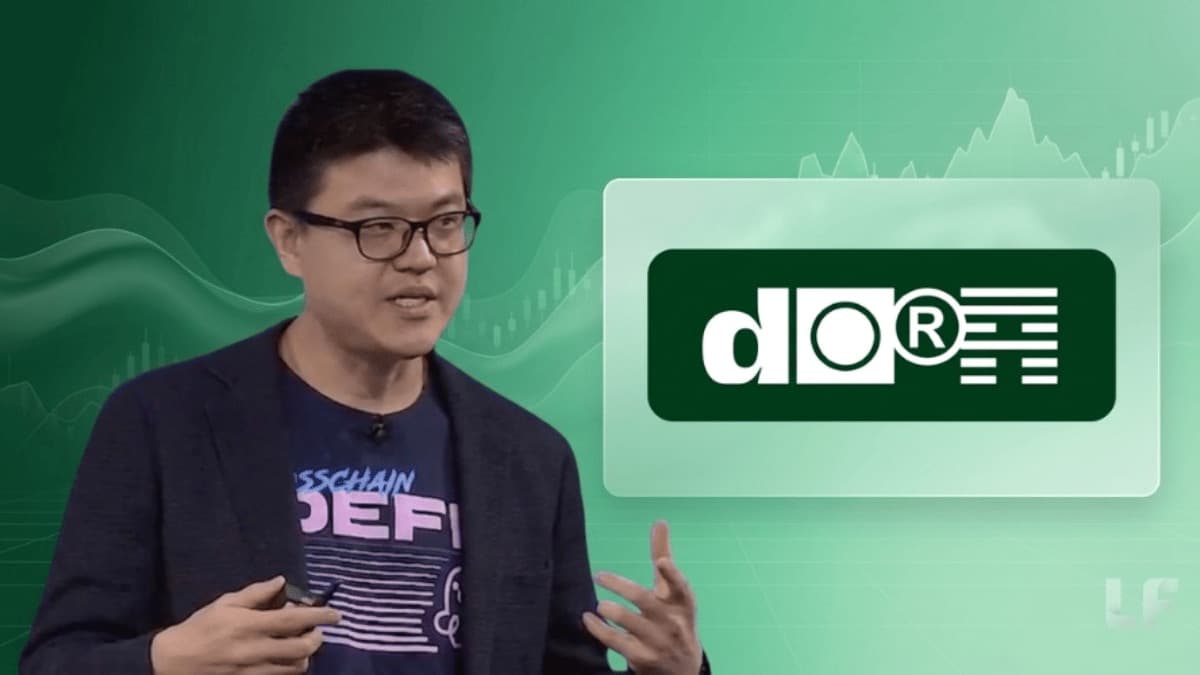
Brent Xu left Wall Street for blockchain in Ethereum's earliest days. Now his Franklin Templeton and Galaxy Digital backed platform Dora is bringing fractionalised bond trading to retail brokers. He speaks to Sam Low.
In Part 6 of his A-Book STP series, Youssef Bouz from GCC Brokers looks at how the rise of algorithmic and AI-assisted trading is forcing brokers to rethink risk models, revenue strategy, and long-term sustainability, and why trader longevity, not short-term extraction, is the real measure of a resilient execution business.
In Part 5 of his A-Book STP series, Youssef Bouz from GCC Brokers provides a guide to distinguishing healthy algorithmic trading from latency arbitrage and structural abuse — and why behavior, not profitability, is the real risk indicator.
Create Your FREE Account
Get access to latest news, updates, real-time data, brokerage and trading firm insights and customized information feeds.


Running a venue around the clock is the easy part. Pricing risk when the market underneath it is shut is not. Lars Holst, CEO of GCEX explains how to manage risk in 24/7 markets.


ATFX has released its Q4 2026 Trader Magazine, offering a closer look at the macroeconomic and market forces that could shape trading conditions in the final quarter of the year.

LSEG has announced a collaboration with NVIDIA that lets financial institutions analyse years of LSEG Tick History data in seconds using NVIDIA cuDF on GPUs, without creating another full copy of the dataset. Tick History holds 110 trillion rows across 100 million instruments and more than 580 venues and contributors.

Standard Chartered has launched a cryptocurrency trading solution letting eligible affluent clients buy and sell Bitcoin and Ether through existing bank accounts. Built with Zodia Markets and regulated by VARA, it launches first for Professional Investor clients in the UAE, with other markets to follow over time.


WTI crude oil breaks above daily resistance after rejecting weekly support. Explore key price levels, breakout confirmation, and the potential 100.305 target.

IG Prime has confirmed Investec Prime Services as a new partner for its institutional white label solution, giving institutional clients in South Africa access to IG’s multi-asset global trading platform under the Investec Prime Services brand. The offering spans equities, indices, FX, commodities and fixed income.


PLUGIT announcing a new YOONIT UX/UI experience coming across all six modules.


The AI conversation in brokerage risk management is mostly led by vendors. Here is what a dealing desk actually needs to know — before signing anything.


The cost of capital is becoming a defining force in global markets. But are investors pricing in the full impact? With the Fed's policy outlook under scrutiny, major bank and semiconductor earnings approaching, and key inflation data on the horizon, markets face a critical week. In this week's BitDelta Pro Weekly Outlook, we explore the signals shaping market expectations and the factors that could challenge the prevailing narrative.

September's US inflation report could be a defining moment for the Federal Reserve's next interest rate decision. With headline inflation expected to accelerate while core inflation remains steady, the growing divergence raises an important question: Is inflation pressure becoming more widespread, or is energy driving the narrative? Ahead of the October 14 CPI release, BitDelta Pro Research examines the forces shaping inflation expectations, the signals policymakers may prioritise, and what the data could mean for the Fed's next move.
Feed